Best WhatsApp Bots for Event Registration in Kenya 2026
You know the drill. Someone DMs you on WhatsApp asking about your event.
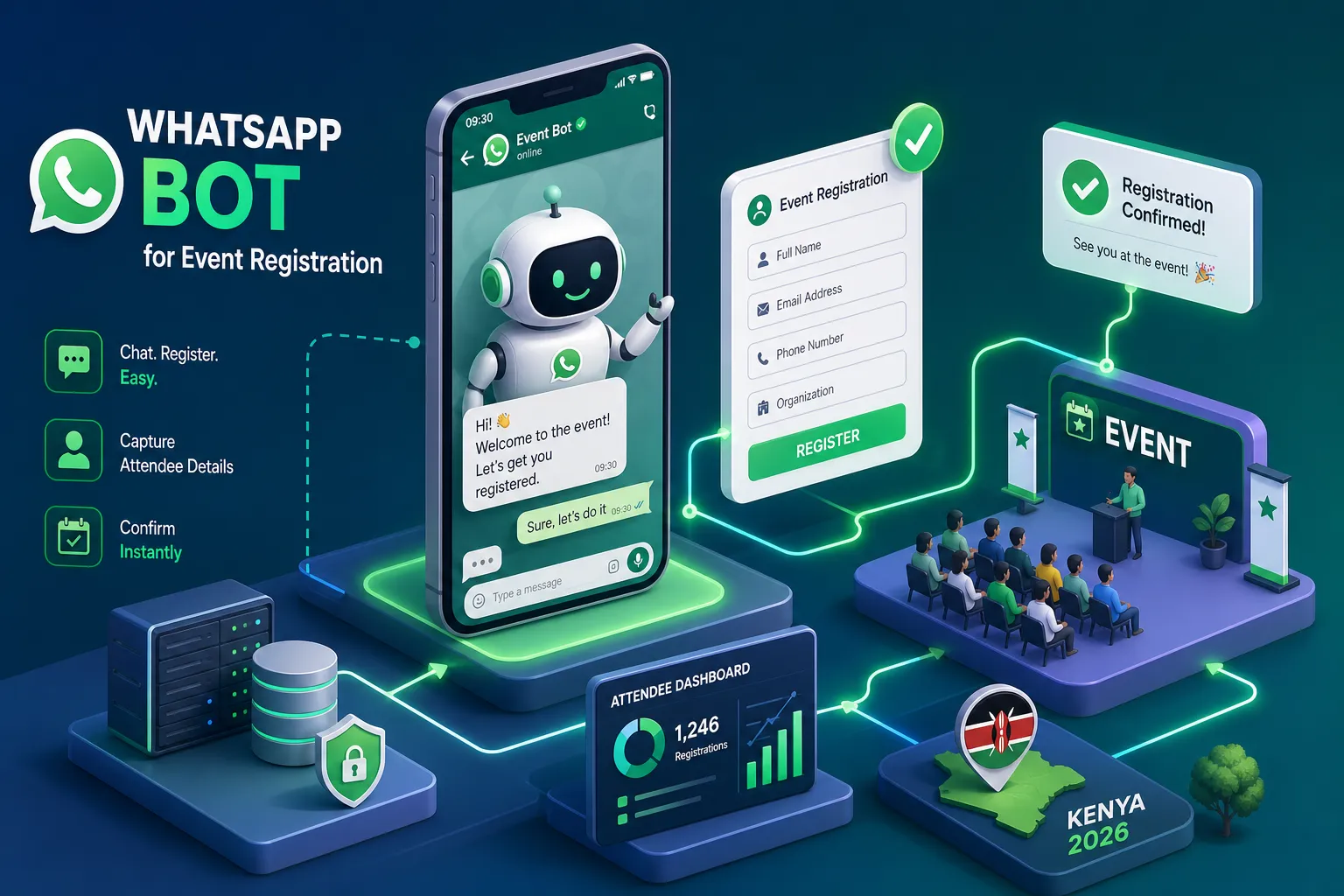
You know the drill. Someone DMs you on WhatsApp asking about your event. You reply, they confirm, you copy their name into a spreadsheet, then chase them three days later for a payment screenshot. By the time the event date arrives, you have a spreadsheet with 80 names, 22 confirmed payments, and no idea who actually shows up. This is not a system. It is organised chaos, and every event organiser running it manually knows it.
If you are asking what is the best WhatsApp bot for handling event registrations in Kenya, the honest answer is: it depends on whether your event charges for attendance, how many attendees you expect, and how much customisation your workflow requires. This article walks through each of those variables using experience from production deployments, actual attendee registrations processed, M-Pesa payments collected, and reminder sequences running without anyone touching a keyboard. That experience is the basis of everything here, which means you are getting the view from someone who has already made the mistakes you are trying to avoid.
By the end of this piece, you will know which WhatsApp event bot matches your event size and budget, which platforms support M-Pesa payments natively, and what the actual setup timeline looks like before you go live. Let us get into it.
What is the best WhatsApp bot for handling event registrations?
Most comparison articles jump straight to platform names without telling you what you are supposed to be comparing. That approach leaves you unable to judge whether a platform is actually solving your problem. So before we look at any tool, let us establish what a functional WhatsApp chatbot for event registration must handle.
The core registration flow
A properly built WhatsApp registration bot needs to capture attendee name, contact number, and custom fields relevant to your event: meal preference, organisation, job title, session choice. The flow must feel conversational, not like a Google Form that has been moved to WhatsApp. Nobody wants to be greeted with "Please enter your full name as it appears on your ID." The bot should guide attendees through a natural multi-step conversation, branching based on their answers where needed. A corporate conference asking different questions from a weekend workshop is not a technical challenge; it is a configuration one, and the platform you choose must handle it cleanly.
Once registration is complete, the bot needs to send an immediate confirmation with all event details: date, venue, access instructions, and a reference number. That confirmation should land within seconds, not after a manual review by someone checking their inbox. The data collected also needs to go somewhere useful, whether that is a Google Sheet, a CRM, or a custom dashboard, so the organiser has a real-time view of registrations without exporting anything manually.
Reminders, real-time updates, and post-event follow-ups
Registration is only the beginning of the attendee relationship. A complete WhatsApp RSVP bot manages the full event lifecycle: countdown reminders at five days out, the day before, and the morning of the event; real-time updates if the venue or start time changes; and post-event feedback surveys sent automatically once the event closes. Events using WhatsApp reminder sequences report 35 to 60 per cent fewer no-shows compared to email-only reminders, largely because WhatsApp messages are opened at a rate close to 98 per cent versus 20 to 30 per cent for email. That is not a minor improvement. At a 500-person event with a typical 25 per cent no-show baseline, halving that rate means roughly 63 more people actually in the room.
If a platform you are evaluating cannot do all of the above, registration flow, confirmation, reminders, and post-event survey, inside WhatsApp without redirecting the attendee to a browser, it is not a complete solution for event management. It is a partial one being sold as a complete one.
How the leading platforms compare for event use cases
A note before we go through these: any platform without confirmed M-Pesa support has a structural gap for Kenyan event organisers running paid events. That gap is worth acknowledging upfront rather than burying in a footnote.
ManyChat and Interakt: capable but built for marketing, not events
ManyChat's Pro tier runs between $65 and $100 per month, while Interakt sits between ₹2,499 and ₹14,999 per month depending on the plan. Both are solid general-purpose WhatsApp automation tools that can be configured to handle registration flows. The key word is "configured"; neither is designed for events out of the box, which means you will spend meaningful time, and sometimes developer hours, bending a marketing tool into something that resembles a registration system.
More critically, neither ManyChat nor Interakt offers native M-Pesa support. You will need a custom Daraja API integration built on top of the platform, at which point you are no longer using the platform's core advantage. For a Nairobi conference charging KES 5,000 per delegate, that is a significant constraint. These tools make the most sense for organisations already running WhatsApp marketing automation through them and wanting to add a registration flow as an extension of existing infrastructure, not as a standalone event solution.
Chatbiz: Kenya-native with M-Pesa wired in
Chatbiz is the most documented option for Kenyan events, and it is the one I recommend first for paid events. Its Growth plan is priced at KES 4,999 per month and covers up to 5,000 conversations, with M-Pesa in-chat payments, an unlimited flow builder, broadcast campaigns, and CRM integration included. The Solo plan is free for up to 500 conversations per month, which covers testing and small community events without spending anything. Critically, M-Pesa STK Push is built into the payment layer, so payment collection, receipt generation, and registration confirmation all happen inside the WhatsApp thread.
For events with international attendees or a mixed local and diaspora audience, you will want a platform that also supports card payments alongside M-Pesa. Chatbiz's native M-Pesa support makes it the closest thing to a ready-to-use WhatsApp ticketing bot for the Kenyan market, where mobile money is the default payment rail, not a secondary option. For cross-border payment needs, pairing it with a Flutterwave integration covers the gap effectively.
Robofy and template-based builders
Robofy offers a dedicated event registration chatbot template with pre-built form flows, immediate confirmation messages, automatic reminders, and post-event survey capability. For organisers who want the fastest possible path from idea to live bot, Robofy's template approach means you can configure a working registration flow in one to two hours once the WhatsApp Business API for events is approved. It is the right tool for free or low-ticket events where a standard conversational flow is sufficient.
The limitation is payment. Based on available documentation, Robofy does not have confirmed native M-Pesa integration, which makes it less suitable for paid Kenyan events without additional custom work. For community events, church gatherings, NGO trainings, or webinars where attendance is free, Robofy is a fast and capable option. For anything charging at the gate, you will need one of the Kenya-native platforms or a custom build.
Payment collection inside WhatsApp: M-Pesa and card flows
For Kenyan events, payment integration is not a nice-to-have feature. A WhatsApp event bot that cannot collect payment is half a product. Here is how a properly built WhatsApp ticketing bot handles the full payment journey.
How M-Pesa STK Push fits into the registration flow
The flow works like this: the attendee confirms their registration intent inside WhatsApp, and the bot immediately triggers an STK Push to their phone number via the Safaricom Daraja API. The attendee sees the familiar M-Pesa PIN prompt on their device without leaving the WhatsApp conversation. They enter their PIN, Safaricom's C2B webhook confirms the transaction within seconds, and the bot responds with a digital receipt and full event confirmation, all inside the same chat thread. No redirects, no browser tabs, no "please pay via the link and send a screenshot."
This flow requires Daraja API credentials and a registered Kenyan business on the Safaricom Business Portal. A standard WhatsApp Business account is not sufficient. You need WhatsApp Business API access as well as the Daraja credentials, which is why platforms with native M-Pesa support save significant setup time: they have already handled the Daraja integration on their end.
Card payments and cross-border options
For events with international attendees, Flutterwave is the practical aggregator. It supports both M-Pesa and card payments in a single registration flow, so a local attendee pays via STK Push while a diaspora attendee uses a Visa card, and the bot handles both paths correctly. Stripe is technically available for Kenyan merchants but adds friction in a market where mobile money is dominant. For most Kenyan events, M-Pesa plus Flutterwave covers the large majority of your attendee base.
Setup time and WhatsApp API requirements
The assumption that a WhatsApp registration bot takes months to build is common and mostly wrong. The actual timeline depends on two things: how prepared your business documentation is, and whether you are using an off-the-shelf platform or a custom build.
WhatsApp Business API approval: what the timeline actually looks like
Getting your WhatsApp Business API approved runs through Meta Business Manager. You submit business documents (Certificate of Incorporation and KRA PIN for Kenyan businesses), create a developer app, register a clean phone number via OTP, and submit for display name approval. A clean submission with matching documents takes seven to fourteen days in total. Working through a Business Solution Provider like Interakt or WATI reduces that to two to seven business days because the BSP manages the submission and knows what Meta's reviewers need to see.
There are a few things that will slow you down. The phone number you register cannot already be active on a personal WhatsApp or the WhatsApp Business app; it must be completely clean. Rejections at the business verification stage add three to seven days per cycle, which is painful when you have an event in three weeks. If your Facebook Business Manager is already verified from running Meta ads, you skip the longest part of the process entirely. For M-Pesa integrations specifically, add two to four weeks for Safaricom's separate Daraja API certification; this runs independently of the WhatsApp approval.
Bot building time by complexity
Once the API is approved, no-code platforms like Robofy or ManyChat templates take one to two hours to configure a basic registration flow. Custom-built bots with M-Pesa integration, CRM sync, dynamic pricing, and multi-tier ticket types take one to three weeks of development and testing. The advantage of working with an experienced developer is that the API approval process runs in parallel with the build. The overall time from project start to go-live on a custom build is typically two to three weeks, not two to three months.
What the attendance data actually shows
Platform marketing claims are one thing. What actually happens when WhatsApp automation for events is implemented properly is a different conversation.
No-show rates before and after WhatsApp automation
Events using WhatsApp reminder sequences consistently report 35 to 50 per cent fewer no-shows compared to email-only reminders. Practitioners switching from email to WhatsApp follow-up sequences consistently report cutting their no-show rate in half. A dental clinic benchmark illustrates the mechanism clearly: no-shows dropped from 25 per cent to 8 per cent within one month of implementing automated WhatsApp reminders. The dynamic is the same whether the appointment is a root canal or a conference keynote. Attendees respond to WhatsApp in a way they simply do not respond to email.
Registration conversion benchmarks
On the conversion side, event organisers report 25 to 30 per cent higher enrolment when registration happens via a WhatsApp chatbot compared to a static web form. In one documented webinar campaign, sign-ups increased by approximately 3x after implementing WhatsApp reminders with one-tap confirmation links. The driver in both cases is friction reduction: a conversational registration flow removes the form-filling fatigue that kills conversions halfway through. When someone can register, pay, and receive confirmation without leaving their WhatsApp inbox, the drop-off rate collapses.
Matching the right solution to your event and budget
Here is the practical decision guide. The right WhatsApp event bot comes down to three variables: whether your event charges for attendance, your expected attendee volume, and how much customisation your workflow requires.
Off-the-shelf platforms for straightforward events
For paid Kenyan events needing M-Pesa support without custom development, start with Chatbiz. The Growth plan at KES 4,999 per month covers most mid-size event setups. For free events or low-complexity flows, Robofy's template approach gets you live in hours. For organisations already using ManyChat or Interakt for broader WhatsApp marketing and willing to configure a registration flow on top, staying in that ecosystem makes sense, with the understanding that M-Pesa will require additional custom work.
When a custom-built WhatsApp registration bot makes more sense
Off-the-shelf platforms hit their ceiling quickly when the event involves dynamic pricing, waitlist management, multi-tier ticket types, CRM sync, or integration with an existing booking or venue management system. These scenarios require a bot built around your specific logic, not configured within a template's constraints.
The WhatsApp registration bots built at Alvine Otieno handle exactly these requirements: M-Pesa Daraja API wired directly into the confirmation flow, real-time attendee data piped into the organiser's dashboard, and reminder sequences that run without manual input at any stage. For event organisers who need that level of reliability and control, working with a developer who has already shipped this in production is faster and safer than trying to stretch a marketing platform beyond what it was designed to do. A custom build also means you own the logic, not a SaaS subscription that changes pricing or deprecates features when it suits the vendor.
What is the best WhatsApp bot for handling event registrations? Three questions to guide your decision
Is your event paid or free? What is your expected attendee volume? How much customisation does your workflow need?
For paid Kenyan events at moderate scale, Chatbiz covers most organisers well. For anything involving complex ticket structures, CRM integration, or M-Pesa flows built into a broader system, a custom build is the better investment. The answer to what is the best WhatsApp bot for handling event registrations is not a single platform name, it is the solution that matches your payment requirements, your attendee volume, and your workflow without forcing you to work around its limitations.
If you are not sure which route fits your situation, reach out to me directly. The first conversation is about mapping out the right solution before you commit to a platform subscription or a development budget, because the wrong choice in either direction costs more than the conversation does.
Frequently asked questions
What is the best WhatsApp bot for handling event registrations in Kenya?
For paid events requiring M-Pesa support, Chatbiz is the strongest off-the-shelf option. For free or low-complexity events, Robofy's template approach works well. For events with dynamic pricing, multi-tier tickets, or CRM integration requirements, a custom-built bot is the more reliable investment.
Does WhatsApp Business API support event registration flows?
Yes. The WhatsApp Business API for events supports multi-step conversational flows, conditional branching, automated confirmations, broadcast reminders, and post-event surveys. You need API access, a standard WhatsApp Business account is not sufficient for automated flows at scale.
How long does it take to set up a WhatsApp event registration bot?
WhatsApp Business API approval takes seven to fourteen days with a clean submission, or two to seven business days through a Business Solution Provider. Once approved, a no-code template takes one to two hours to configure; a custom build with M-Pesa integration typically takes one to three weeks. Overall time to go-live for a custom build is usually two to three weeks.
Which WhatsApp chatbot platforms support M-Pesa payments natively?
Chatbiz has confirmed native M-Pesa STK Push support built into its payment layer. ManyChat and Interakt do not offer native M-Pesa support and require a custom Daraja API integration. Robofy does not have confirmed native M-Pesa integration based on available documentation.
How much does a WhatsApp event registration bot cost in Kenya?
Chatbiz's Solo plan is free for up to 500 conversations per month. The Growth plan is KES 4,999 per month for up to 5,000 conversations. ManyChat Pro runs $65 to $100 per month. A custom-built bot is a one-time development investment; contact Alvine Otieno for a scoped quote based on your specific requirements.
Does a WhatsApp registration bot reduce no-shows?
Yes, significantly. Events using WhatsApp reminder sequences report 35 to 50 per cent fewer no-shows compared to email-only reminders, driven by WhatsApp's near-98 per cent message open rate versus 20 to 30 per cent for email.
Can a WhatsApp webinar registration bot handle online events as well as in-person ones?
Yes. A WhatsApp webinar registration bot follows the same flow as an in-person event bot: it captures registration details, collects payment if applicable, sends confirmation with joining links, and delivers timed reminders. The configuration differs slightly, joining links replace venue addresses, but the underlying automation logic is identical.
Is a custom WhatsApp bot better than an off-the-shelf platform for large events?
For events involving dynamic pricing, waitlist management, multi-tier ticket types, or integration with existing CRM or venue management systems, a custom build is more reliable than trying to configure an off-the-shelf marketing platform beyond its intended scope. You also own the logic outright rather than depending on a SaaS vendor's pricing decisions.
Software engineer writing about the craft of building products on the web.