How to self-host n8n on a budget VPS for under $5/month
Learn how to self-host n8n on a budget VPS for under $5 per month, saving on cloud costs and retaining full control over your automation workflows. This guide covers setup, server choice, and Docker configuration for Kenyan startups and oth
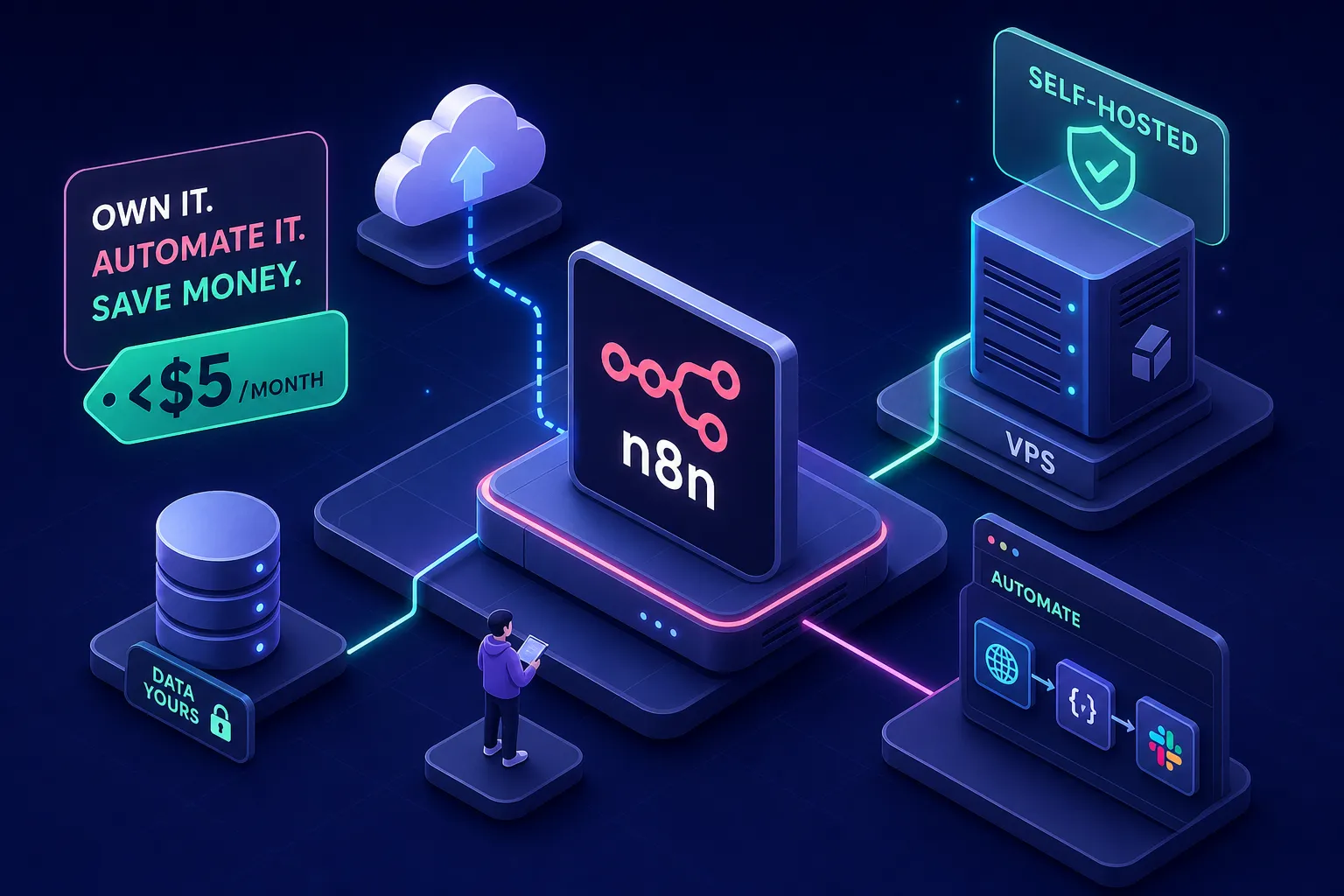
If you're wondering how to self-host n8n on a cheap server for your business automation, the answer is simpler than most guides suggest. n8n Cloud starts at $20 per month. For a Kenyan startup running 50 to 200 automations daily, order confirmations, WhatsApp notifications, lead routing, that cost adds up fast. Running n8n on your own budget VPS brings it down to under $5 per month, and you keep complete control over your data and workflows. No execution caps. No per-step pricing surprises. Many startups prefer to put that $15 monthly saving directly into growth instead.
By the end of this guide, you will have a running n8n instance secured with HTTPS, backed by PostgreSQL, and accessible via your own domain. Here is exactly how to build it.
Why self-hosting n8n makes financial sense for Kenyan startups
n8n is offered under a fair-code licence that permits self-hosting; see n8n's licence page for the full terms. The SaaS tiers start at $20 per month for a capped execution allowance, and costs climb quickly once your workflows scale. Depending on your volume and parallelism, a business running WhatsApp notification pipelines, M-Pesa payment triggers, and daily lead processing may reach those limits sooner than expected.
Be honest with yourself before starting: this setup is for founders and teams who are comfortable in a Linux terminal. If nobody on your team can SSH into a server, this is not the right path right now. The conclusion covers an alternative for that situation. If you have basic command-line familiarity, the ongoing maintenance commitment is typically 10 to 30 minutes a month once the system is running, depending on your workflows and monitoring setup.
The architecture is straightforward. You need three components: the n8n application itself, a PostgreSQL database for storing workflow data and execution history, and Redis when you want queue mode for handling concurrent workflow executions. Understanding this structure matters when choosing your server size.
Choosing the right budget VPS to self-host n8n
The practical minimum for running n8n reliably is 1 vCPU, 2 GB RAM, and 20 GB SSD. Avoid 1 GB RAM instances entirely, they produce memory errors and silent workflow failures under load, which is the worst kind of problem to debug. For 50 to 200 daily executions, the 2 GB RAM tier is the safe floor, not a starting suggestion. The production sweet spot is 2 vCPU with 4 GB RAM, which prevents queuing delays during concurrent bursts and keeps the n8n editor responsive.
Three providers are realistic at this budget: Hetzner, DigitalOcean, and Oracle Cloud.
The Hetzner CX22 costs approximately $4.90 per month for European servers (Germany or Finland) or $5.60 for the US region. It includes 2 vCPU, 4 GB RAM, and 40 GB NVMe SSD, AMD EPYC processors and raw performance that is difficult to match at this price. If your workflows don't require low latency to Nairobi specifically, Hetzner is the strongest pick for cheap n8n hosting.
DigitalOcean offers more global regions and a friendlier dashboard. Their 2 GB Basic Droplet costs $12 per month in 2026, which makes it harder to justify against Hetzner at the same spec tier, though the interface and ecosystem tooling may suit some teams better.
Oracle Cloud's Always Free tier is worth exploring if you want the most resources at zero cost: 2 vCPU and 24 GB RAM. The setup process is more involved, and the free tier has usage restrictions worth reading carefully before you rely on it for production workloads.
Local Kenyan providers charge approximately $15 to $30 or more for basic VPS plans, often with lower performance and limited documentation, though prices vary and this is a general market observation. Unless you have a legal requirement to keep data on Kenyan infrastructure, global providers deliver far better value. Most Kenyan businesses running WhatsApp bots and automation workflows have no such legal requirement.
How to self-host n8n on a cheap VPS: provisioning and Docker setup
After spinning up your VPS, SSH in as root and run apt update && apt upgrade -y to bring the system current. Create a non-root user, add them to the sudo group, and disable root SSH login. These are not optional steps for a production server. Then set up your DNS: create an A record at your domain registrar pointing a subdomain like automation.yourdomain.com to your server's public IP address. DNS propagation commonly takes minutes but can take up to 24 hours depending on your registrar's TTL settings.
Install Docker Engine and the Docker Compose plugin using the official Docker apt repository. The convenience script shortens this to a few commands: add Docker's GPG key, add the repository, run apt install docker-ce docker-ce-cli containerd.io docker-buildx-plugin docker-compose-plugin, then enable the service. Verify the installation with docker version and docker compose version. That is your full environment, no other dependencies are needed.
Your docker-compose.yml needs four services for a production-ready n8n Docker setup on cheap hosting: the n8n editor (main process), a separate n8n worker for queue mode, PostgreSQL, and Redis. Several environment variables are critical to get right before you start the stack. Generate your N8N_ENCRYPTION_KEY using openssl rand -hex 32 and store it somewhere safe immediately, losing this key means all stored credentials become permanently unrecoverable. Set DB_TYPE=postgresdb along with the Postgres connection variables, EXECUTIONS_MODE=queue to enable Redis-backed concurrency, and WEBHOOK_URL to your HTTPS domain once SSL is configured.
Do not use SQLite for production. SQLite does not support queue mode and is unsuitable for concurrent or multi-worker workloads, see the official n8n documentation for the recommended production database configuration. Run docker compose up -d and confirm all containers start cleanly with docker compose ps.
Set EXECUTIONS_DATA_PRUNE=true and EXECUTIONS_DATA_MAX_AGE=72 in your environment variables. This auto-prunes execution logs older than 72 hours, keeping your database lean and disk usage manageable on a small server, a small but important step for cheap n8n hosting over the long term.
Securing your self-hosted n8n with Nginx and free SSL
Install Nginx with apt install nginx, then create a site configuration at /etc/nginx/sites-available/n8n. The key proxy directives are proxy_pass http://localhost:5678/, the Upgrade and Connection headers for WebSocket support (required for the n8n editor to function correctly), and proxy_read_timeout 3600s to prevent disconnections during long-running operations. Enable the site with a symlink to sites-enabled, test with nginx -t, and reload Nginx.
Install Certbot with the Nginx plugin: apt install certbot python3-certbot-nginx. Run sudo certbot, nginx -d automation.yourdomain.com. Certbot handles the rest: it generates the certificate, modifies your Nginx config to listen on port 443, and sets up the HTTP-to-HTTPS redirect automatically. On Ubuntu 22.04, Certbot installs a systemd timer that checks for renewal twice daily, so you don't need to configure anything manually. Test it with sudo certbot renew, dry-run. Let's Encrypt SSL is free and auto-renewing, there is no reason to pay for a certificate for this use case.
Update your n8n environment variables to reflect the live HTTPS URL: set N8N_PROTOCOL=https and update WEBHOOK_URL=https://automation.yourdomain.com, then restart the stack with docker compose down && docker compose up -d. Your webhooks will now fire correctly from this URL.
Lock down the firewall with three UFW rules: allow SSH on port 22, allow HTTP on port 80, allow HTTPS on port 443. Block everything else. Skipping the firewall step is the most common mistake beginners make, and it leaves your PostgreSQL container exposed to the internet.
Keeping costs low and maintaining your self-hosted n8n instance
The honest monthly cost breakdown for this setup: Hetzner CX22 at $4.90 per month, Let's Encrypt SSL at $0, Docker and all the software at $0 (fully open-source). If you're using a subdomain of a domain you already own, there's no additional domain cost. Total: under $5 per month, compared to $20 per month for n8n Cloud's entry tier. If you prefer DigitalOcean's interface, their 2 GB Droplet at $12 per month remains a workable option with broader ecosystem tooling, though it pushes beyond the $5 target.
Set up automated daily backups with a cron job at 2 AM. The Docker-based command is:
docker compose exec postgres pg_dump -U n8n -d n8n -Fc > ~/backups/n8n-$(date +%Y%m%d).dump
Also back up your N8N_ENCRYPTION_KEY separately, this is not stored in the database and is not recoverable from any backup. Store your dumps off-server using rclone to sync to an S3-compatible bucket. Cloudflare R2 has a 10 GB free storage tier per month, which covers small PostgreSQL dumps entirely at zero cost. Add weekly VPS snapshots through your provider's dashboard for full-system recovery; on Hetzner this costs approximately $0.50 to $1 extra per month.
Your monthly maintenance checklist is short once the system is stable:
- Update the n8n Docker image with docker compose pull && docker compose up -d
- Check disk usage with df -h and prune unused Docker images with docker image prune
- Confirm Certbot renewal is active with systemctl status certbot.timer
- Verify your latest database backup downloaded successfully to off-site storage
Running this checklist once a month takes less than 15 minutes and keeps your instance stable for the long term.
You now have a production-ready automation engine for under $5/month
What you've built is a production-grade n8n instance: SSL-secured, backed by PostgreSQL with queue mode enabled, automated daily backups syncing to cloud storage, and a firewall blocking everything unnecessary. This architecture is well-suited to real business workloads, WhatsApp notification pipelines, lead routing, M-Pesa payment triggers, and multi-step business processes. The infrastructure cost is under $5 per month, indefinitely, which is what makes self-hosting n8n on a cheap VPS the right call for most Kenyan startups at this stage.
If the server management side of this feels like more than you want to own right now, that's a completely legitimate position. Deployment, configuration, and workflow-building are exactly the kind of work Alvine Otieno handles for clients: provisioning the server, configuring the full stack, and then building the actual automation workflows on top of it. That includes WhatsApp bot integrations via the Meta WhatsApp Cloud API, M-Pesa Daraja triggers, OpenAI-powered decision nodes, and multi-step business processes tailored to how your operation actually runs. Get in touch if you'd rather skip the setup and move straight to building workflows that generate results.
Software engineer writing about the craft of building products on the web.