How to Use the OpenAI API to Automate Your Business
Learn how to leverage the OpenAI API to automate business operations, from email triage to report summarization, without needing a large technical team. This guide covers process selection, security, prompt engineering, and deployment.
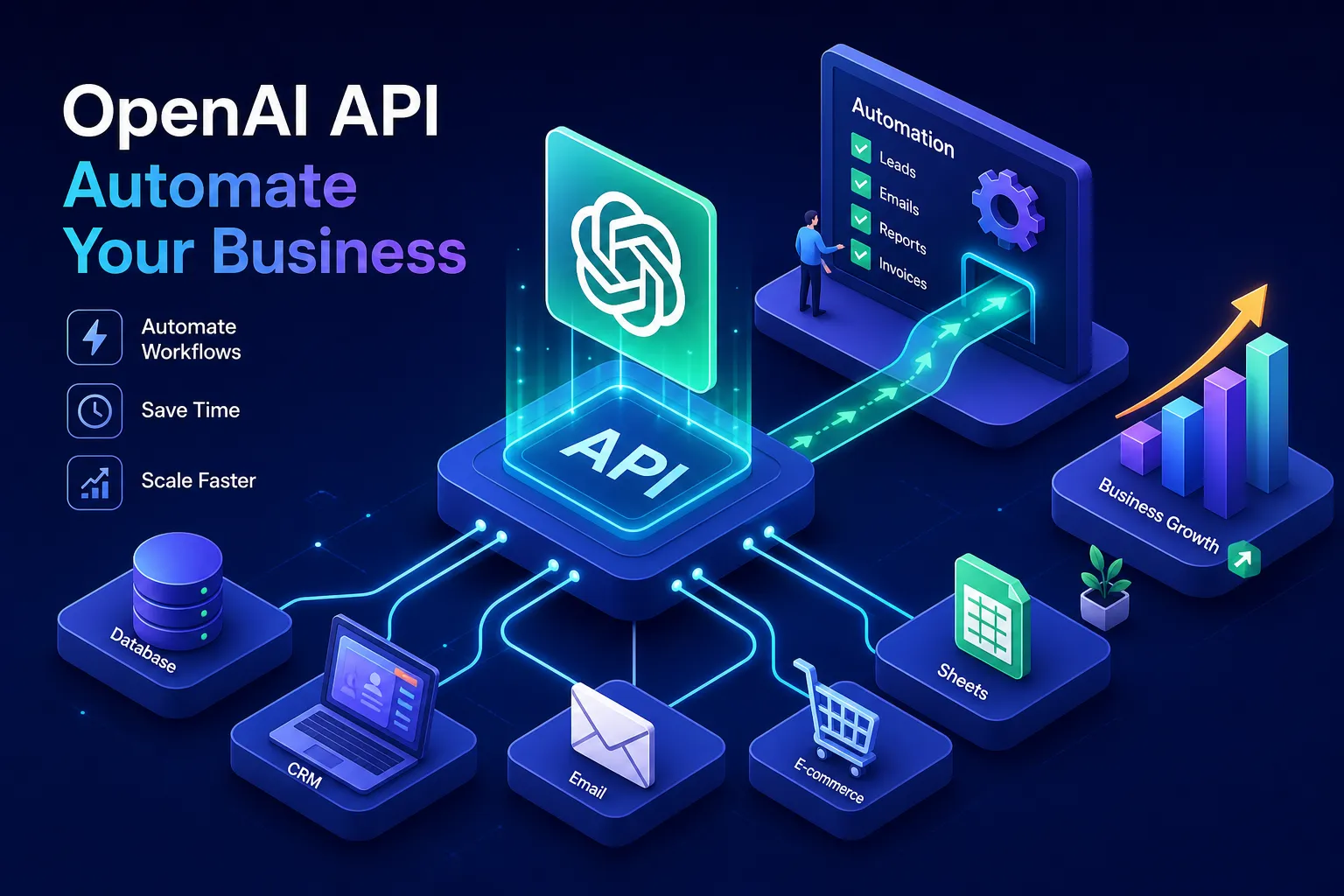
Business owners in Kenya often ask: how can I use the OpenAI API to automate my business operations without hiring a large technical team? The honest answer is that the barrier is lower than it looks. Tasks that eat hours every week, reading and responding to the same customer emails, skimming long reports to extract a handful of key figures, manually sorting support tickets that ask a variation of the same question, are precisely what the API is built to handle. Getting from zero to a working automation typically takes a few days to a few weeks for a single-process pilot, which is shorter than most business owners expect.
Alvine Otieno builds OpenAI-powered automations for businesses, including a WhatsApp bot with over 50,000 logged events to date. The underlying technology is the same API covered in this guide. Getting it to work reliably for your business comes down to four decisions: which processes to target first, how to set up access without creating security risks, how to write prompts that give you consistent output, and how to run the whole thing in a live environment without surprises. This guide walks through all four.
How the OpenAI API can automate your business operations
Not every task is a good candidate for AI automation. The sweet spot is anything that is highly repetitive, involves reading or writing unstructured text, and produces a clear, verifiable output. If you can describe the rules of a task to a new employee in a short paragraph, the OpenAI API can likely follow those same rules at scale.
High-impact, low-risk starting points
Email triage and routing is the highest-impact entry point: the API reads an incoming email, classifies its intent, sales enquiry, billing complaint, technical support, and routes it to the right team with a draft reply attached. In one deployment, a logistics client reduced email triage time from two hours per day to ten minutes after implementing this pattern. Customer support response drafting works similarly: the API receives the customer's message alongside relevant context such as order status and product details, then returns a polished draft reply that a team member reviews before sending.
Report summarisation is another high-value use case. Feed the API a ten-page document and a clear instruction, and it returns a structured summary in seconds. Support ticket classification rounds out the list: incoming tickets are automatically labelled by category and urgency, cutting the time your team spends triaging before they can start resolving. Across all four, well-configured deployments typically handle the majority of routine cases autonomously, based on observed patterns in live systems, with complex or edge-case queries escalated to a team member.
Use cases that need a more cautious approach
HR policy interpretation and complex financial reconciliation are viable automation targets, but they require stricter validation than drafting a support reply. A misread policy or an incorrect reconciliation figure carries real consequences. For those areas, start with the extraction and draft-generation step, then keep a human in the approval loop until you have enough data to trust the output. That discipline protects your business and gives you a solid foundation to build on.
Getting OpenAI API access and keeping your credentials secure
This step gets skipped or buried in most guides, and that omission tends to produce costly problems later, exposed keys, untracked usage, and no clear audit trail when something goes wrong. Whether you are setting this up yourself or handing it to a developer, getting key management right from day one prevents expensive and embarrassing mistakes.
Creating your account and generating your first API key
Sign up at platform.openai.com, then navigate to the API Keys page inside your dashboard. Generate your first key there. The important rule from the start: create a separate API key for each service or team member rather than sharing one master credential. If a single shared key is ever compromised, every service using it is exposed and you have no way to trace which one caused the breach. Unique keys per service make auditing clean and damage containment straightforward.
Storing and rotating keys safely in a live environment
Never put an API key directly in your code or commit it to a GitHub repository. This is the non-negotiable rule. For local development, store the key in a .env file and make sure that file is listed in your .gitignore so it is never uploaded. For deployed systems, use an enterprise secret manager: AWS Secrets Manager, HashiCorp Vault, or Azure Key Vault. These tools encrypt the key at rest, enforce role-based access, and provide audit logs.
Rotating keys every 60 to 90 days is a widely recommended security practice. If a key is ever exposed, rotate it immediately: generate a new one from the API Keys page, update your deployed environment, and revoke the old key. Automating this rotation through your deployment pipeline removes the human error from the process. A business owner handing this to a technical hire should include these rules explicitly in the project brief.
Designing prompts that produce consistent results
This is the section most business owners skip, and it is why many automations give unreliable output. Good prompt design is not about being clever. It is about giving the model tight instructions and leaving as little room as possible for guessing.
How to use the OpenAI API to automate support and email triage: prompt techniques that work
A few prompt techniques make the biggest practical difference. Grounding means telling the model to answer only from the context you provide, not from general knowledge, include the phrase "Based on the following information" and paste in the relevant data. Alongside that, instruct the model to say "I don't know" rather than fabricating an answer when it lacks information; this is sometimes called explicit uncertainty handling. A weak prompt says "Reply to this customer." A well-grounded prompt says "You are a support agent for [Company]. Using the order details below, draft a polite reply. If the answer is not in the provided details, say you will follow up within 24 hours."
Format constraints are critical for automations that feed into other systems. Require JSON or a specific text structure so the output is predictable and parseable every time. Finally, set the temperature appropriately: use 0.1 for extraction and classification tasks where you want strict consistency, and 0.7 for natural reply drafting where some variation reads more naturally to customers.
When to keep a human in the loop
A human-in-the-loop is not a sign that the API is unreliable. It is smart workflow design. The API generates a draft reply or a classified label, a team member reviews it in seconds, then approves or edits before sending. You get the speed benefit without the risk of an unsupervised automation saying the wrong thing to a customer.
Escalation is warranted when model confidence is low, the subject matter carries financial or legal weight, or the output fails your schema validation check. Build those escalation paths in from the start rather than retrofitting them after something goes wrong.
A practical integration walkthrough
Theory only takes you so far. Here is how the response-drafting pattern works end to end, and how you can implement it without writing code at all.
Auto-drafting customer email responses, step by step
The flow has four steps: the customer sends an enquiry; your backend passes the enquiry text plus relevant context to the OpenAI API; the API returns a draft reply; a team member reviews and sends it. The code structure your developer sets up once looks like this:
- A system prompt defining the assistant's role and constraints
- A user message containing the customer's enquiry and the internal context
- A model selection of gpt-4o-mini for cost efficiency
- A temperature setting of 0.7 for natural language output
The result comes back as a clean draft ready for a quick review before sending. GPT-4o-mini pricing sits at $0.00015 per 1,000 input tokens and $0.00060 per 1,000 output tokens (as of July 2026, check the OpenAI pricing page for current rates), which means a high volume of customer interactions costs a fraction of a cent each.
Connecting OpenAI to your existing tools using n8n
For business owners who do not want to manage any code, n8n provides a drag-and-drop workflow builder with a native OpenAI node. An n8n workflow can watch a Gmail inbox and extract the email body, send it to the OpenAI API for classification and draft generation, then push the result directly into a Google Sheet or a support tool like Freshdesk. No code required. You connect your OpenAI API key in the n8n credentials panel, drop the OpenAI node into your workflow, configure the prompt, and connect it to the next step. n8n handles the authentication and request formatting automatically, making it one of the more accessible entry points for teams without a full-time developer.
Running the API in a live environment without surprises
Getting the API to work in a test environment is one thing. Running it reliably at scale, without unexpected bills or slowdowns, requires a few extra steps.
Keeping costs predictable and rate limits in check
Token-based pricing means you pay for what you use, and the main lever for cost control is model selection. GPT-4o-mini handles the vast majority of business automation scenarios at a fraction of the cost of GPT-4o. Cache frequent or near-identical queries so you are not paying for the same API call twice. For non-urgent bulk tasks like summarising the previous day's reports, use the Batch API: according to OpenAI's documentation, it cuts costs by 50 percent in exchange for a 24-hour turnaround window, which is perfectly acceptable for overnight processing jobs.
On rate limits: new pay-as-you-go accounts start at Tier 1, which covers 500 requests per minute and 200,000 tokens per minute for GPT-4o-mini, limits that increase as your account ages and your spend history grows (see the platform Limits page for the full tier breakdown). When you hit a rate limit error, implement exponential backoff: retry after one second, then two, then four. Monitor the rate-limit headers returned with each API response and adjust your request volume before errors occur, not after.
Logging, monitoring, and alerting for a deployed system
Every API call in a deployed system should be logged with the input, output, latency, token count, and a correlation ID for tracing issues. Build a dashboard in Datadog, CloudWatch, or even a structured Google Sheet for smaller operations, tracking error rates, average latency, and daily token spend. Set alerts for cost anomalies and error spikes. You want to know when something has gone wrong before a customer does. This logging discipline is what separates a prototype from a deployed system you can actually trust.
When it makes sense to bring in an expert
The OpenAI API is genuinely accessible, and this guide gives you a solid foundation for getting started. There is, however, a meaningful gap between a working prototype and a deployed system that handles real customer interactions reliably, day after day, at scale. That gap is where experience pays for itself.
Alvine Otieno builds these kinds of OpenAI-powered automations for businesses, from email triage pipelines and support reply drafting to full workflow integrations including WhatsApp bots. If you want this built and running for your business without spending months figuring it out, book a consultation to discuss the right starting point for your specific operations.
Now you know how to use the OpenAI API to automate your business operations
The path is clearer than it was at the start. You know which processes to target first and why email triage and support drafting make the strongest entry points. You know how to get API access securely, separate keys per service, environment variables for development, a secret manager for deployed systems. You know how to design prompts that produce consistent output by grounding the model, constraining the format, and setting the right temperature. And you know how to integrate and run it sustainably, whether through code or through a no-code tool like n8n, with cost controls and monitoring in place from day one.
Using the OpenAI API to automate business operations is not a tool reserved for large tech companies or full-time developers. Businesses in Kenya are already putting it to work, cutting hours of manual effort down to minutes on tasks that used to consume whole mornings. Start with one process, get it working, then scale. If you want to move faster with someone who has already built and deployed this for real businesses, the conversation with Alvine Otieno is a good place to begin.
Software engineer writing about the craft of building products on the web.