n8n vs Make: An honest comparison for business teams in 2026
Confused by n8n and Make? This comparison cuts through the noise, detailing pricing, ease of use, and suitability for different business needs. Discover which automation platform is right for your team in 2026, whether you need simple workf
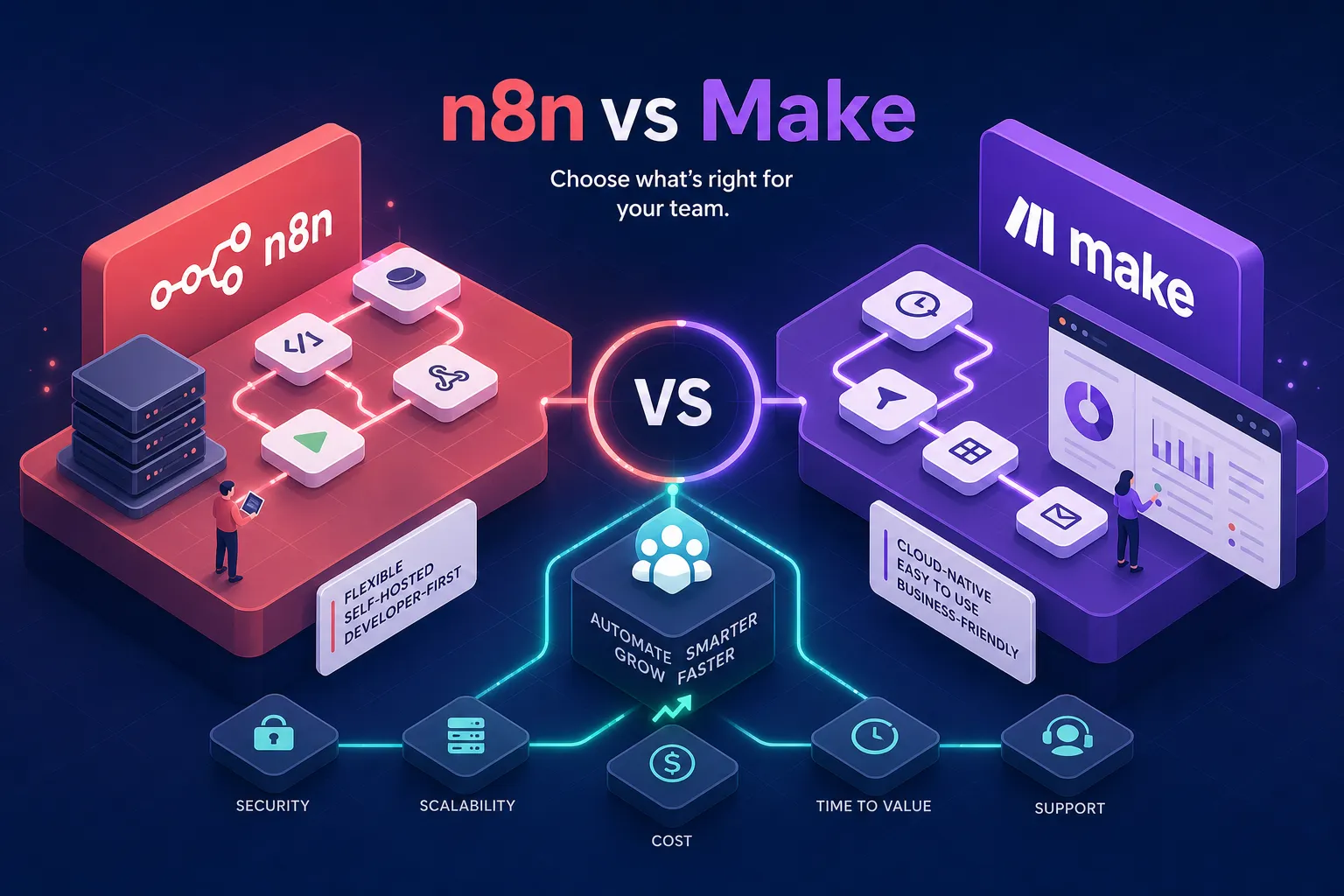
You search "best automation tool for my business," land on two names, open both tabs, and come out more confused than when you started. Make looks polished and friendly. n8n looks powerful but slightly intimidating. Both claim to save you time. Neither tells you which one is actually right for a business like yours. This n8n vs Make comparison cuts through that noise and tells you exactly which platform fits your situation, whether you are a solo operator in Nairobi or a growing team with complex workflow demands.
Make and n8n solve the same core problem: they eliminate repetitive manual tasks by connecting your apps and triggering actions automatically. But they are built on different philosophies, for different kinds of teams, at different price points. The comparison only makes sense when you look at your specific situation: your technical skill level, the complexity of your workflows, your data requirements, and your monthly automation volume.
At Alvine Otieno, both platforms have powered real client projects, from simple lead routing workflows to complex multi-step AI-agent pipelines connecting OpenAI, M-Pesa, and custom APIs. What follows comes from hands-on production experience, not spec sheets. By the end of this article, you will know exactly which platform fits your team.
n8n vs Make comparison: How pricing actually works on each platform
The billing models are fundamentally different, which makes a direct price comparison misleading at first glance. Make charges per operation, meaning every individual step inside a workflow counts as one unit. n8n charges per execution, meaning one full workflow run counts as one unit regardless of how many steps it contains. That distinction changes everything once your workflows become complex. Understanding this billing difference is the first step in any honest Make vs n8n comparison.
Make's operation-based billing
Make's 2026 tiers start at free (1,000 operations per month, 2 active scenarios), then move to Core at roughly $9 to $10.59 per month, Pro at $16 to $18.82, and Teams at $29 to $34.12 per month. All paid tiers include 10,000 operations and unlimited active scenarios. Overage rates on Core add $9 per extra 10,000 operations. For shallow, simple automations with one or two steps, Make's pricing is very competitive.
n8n Cloud versus self-hosted costs
n8n Cloud Starter runs at $20 per month for 2,500 executions, with Pro at $50 per month for 10,000. Self-hosted n8n is where the economics shift considerably: the software is free, and server costs run roughly $4 to $20 per month on a VPS provider such as Hetzner or DigitalOcean. In Kenya, Truehost Cloud's Nairobi-based servers start at around KSh 1,400 per month for a 2GB RAM instance, which handles most small to medium workloads comfortably. For high-volume or step-heavy workflows, self-hosted n8n is dramatically cheaper because you pay a flat server fee regardless of how many times your workflows run.
Where each becomes expensive
Consider a 10-step workflow that runs 1,000 times per month. On Make, that consumes 10,000 operations. On n8n Cloud, that costs 1,000 executions. The difference becomes stark once you work through the numbers: at Make's Core plan, 10,000 operations are included, so this example sits at the plan ceiling with no headroom for other workflows. On n8n Cloud Starter, those same 1,000 executions consume 40% of the 2,500-execution allowance, leaving room to grow. For AI-agent workflows with many conditional branches, Make's per-operation billing can balloon quickly. For simple automations with one or two steps, Make's Core plan is often more economical than n8n Cloud Starter. In practice, the crossover point sits around 5 to 8 steps per workflow at moderate volume, a threshold based on comparing Make's $9 per 10,000 overage rate against n8n Cloud's flat execution pricing across equivalent workflow runs.
Ease of use and the setup experience
This is where the two platforms diverge most visibly. Make was built for non-technical users from the start. n8n was built by developers who later added polish. Neither is unusable, but they reward different kinds of users, and choosing the wrong one for your team creates real friction. This ease-of-use gap is one of the most decisive factors in any workflow automation platforms comparison.
Make's visual scenario builder
Make uses a canvas-based, drag-and-drop interface where each step is a "module" connected by lines. With over 3,000 native app connectors available out of the box, verified on Make's integrations page, a non-technical operator can connect Google Sheets to Slack to WhatsApp without writing a single line of code. The execution history debugger is clear and visual: it points to the exact module that failed and shows the data that caused it. For small teams without a dedicated developer, this experience is genuinely smooth.
n8n's node-based editor
n8n's interface is also visual, but it rewards users who think in logic and data flows. Nodes can run custom JavaScript or Python code directly inside the workflow, giving technical users significant flexibility. Community nodes extend what n8n can connect to far beyond the official integration list. The learning curve is steeper: setting up error triggers, understanding execution modes, and debugging complex branching logic requires more technical comfort than Make demands. This is the core tension in the no-code automation vs self-hosted automation debate, ease of entry against depth of control.
n8n vs Make comparison: Hosting, data control and maintenance overhead
Where your automation data lives is not just a technical question. For businesses handling customer data, payment records, or health information, it is a compliance question with real consequences.
Make as a fully managed cloud platform
Make requires no infrastructure setup at all. Updates, security patches, backups, and uptime are handled entirely by Make's team. For a business owner who wants automations running without thinking about servers, this is the correct choice. The trade-off is that your workflow data lives on Make's cloud infrastructure, which may be a concern for businesses subject to strict data localisation or GDPR requirements. Make does offer EU data centre options on higher tiers, with servers based in Dublin, Ireland, available on Enterprise-level plans according to Make's infrastructure documentation.
What self-hosting n8n actually involves
Running n8n on your own server requires four things:
- A Linux VPS (Ubuntu 22.04 recommended)
- Docker and Docker Compose installed
- A registered domain name for SSL
- At least 2 vCPU and 4 GB RAM for a stable production environment
After the initial setup, maintenance is light, roughly one hour per month for a small team, mainly applying updates and monitoring uptime. The payoff is full data residency: your workflow data never leaves your server. For Kenyan businesses handling M-Pesa transaction data, patient records, or any other sensitive information, self-hosted n8n is the more defensible architecture. You run workflows inside a private environment, with full control over what gets logged and where it is stored.
Integrations and how far you can customise workflows
Both platforms can connect to hundreds of third-party services, but they approach extensibility very differently. The right question is not which platform has more connectors, but whether the connectors you need actually exist and how much custom work you can do when they do not.
Make's 3,000+ native connectors
Make leads on raw connector volume. With over 3,000 pre-built native integrations, including a marketplace where third-party vendors publish their own modules, most business tools are available without any custom configuration. For anything not yet available natively, Make provides a generic HTTP module to call any API. This makes Make the fastest path from zero to a working integration for non-technical users.
n8n's community nodes and custom code flexibility
n8n has fewer official integrations (roughly 400 to 600 depending on the version), but compensates with community nodes published on GitHub and npm, plus the ability to write custom logic in JavaScript or Python directly inside a node. For developers who need to build non-standard integrations, process data in complex ways, or implement custom retry logic, n8n's code-first flexibility is a significant advantage. This extensibility has been used at Alvine Otieno to build production-grade automation pipelines connecting n8n to the M-Pesa Daraja API, OpenAI, and custom APIs that had no pre-built connector available, a real-world example of where the automation platform for developers vs non-technical teams distinction matters most.
Performance at scale: error handling and throughput
For businesses running automations at serious volume, or building multi-step AI-agent workflows, the performance differences between the two platforms become the deciding factor. The difference shows up in concurrency limits and how each platform recovers from failure.
Concurrency and throughput at volume
Make handles high concurrency well. You can run 100 or more distinct workflows simultaneously, Make's architecture imposes no hard limit on parallel active workflows per their technical documentation. For businesses processing hundreds of form submissions per minute across many simple automations, Make handles this cleanly. n8n Cloud, by contrast, limits the number of concurrent workflow executions on its cloud plans, which can create queuing bottlenecks at scale. The exact limit varies by plan, check n8n's current Cloud pricing page for the precise concurrent execution allowances on Starter and Pro tiers. Self-hosted n8n removes these limits entirely and becomes the more cost-effective, higher-throughput option for complex workflows at volume.
Error handling and observability
Make's error handling is visual and beginner-accessible: the execution history highlights exactly which module failed and shows the problematic data clearly. n8n's error handling is more powerful for production systems. A dedicated error trigger node, structured error outputs, and the ability to write custom recovery logic in code mean you can build sophisticated retry systems and conditional error routing. For teams running business-critical automations where failure recovery matters, n8n's depth here is a genuine advantage.
Choosing the right platform for your team
The practical decision comes down to four variables: the technical skill available in your team, how complex your workflows are, how much data control you need, and your monthly automation volume. Neither platform is universally better; they serve different realities. This is ultimately what every Make.com vs n8n decision comes down to, not features in isolation, but fit.
Choose Make if your team is non-technical
Make is the right choice if you have no developer on the team, run straightforward automations with few branches, handle fewer than 10,000 operations per month, and want a zero-maintenance setup where you focus entirely on building workflows rather than managing infrastructure. The 3,000+ connector library means most things just work out of the box.
Choose n8n if you need control and scale
n8n, particularly the self-hosted version, is the right choice if you have a developer available or are working with one, need data to stay on your own server, run high-volume or step-heavy workflows, or need to write custom logic that a visual-only tool cannot handle. For Kenyan businesses handling sensitive data or requiring local data residency, self-hosted n8n is the more scalable long-term architecture.
Getting the implementation right from day one
Choosing the platform is step one; configuring it correctly for your specific workflows is where most teams lose time. Common mistakes include underspeccing the server for self-hosted n8n, misconfiguring error handling on production workflows, or building Make scenarios that burn through operations because the workflow structure was never optimised. At Alvine Otieno, both Make and n8n have been deployed for real businesses, covering everything from straightforward lead capture automations to intricate AI-agent systems with custom API integrations. If you have identified which platform fits your team but want someone who has already made the mistakes to set it up correctly, that is exactly the kind of project Alvine takes on.
The honest verdict
The n8n vs Make comparison is not a question of which tool is better in absolute terms. Make holds an advantage on ease of use, native connector volume, and zero-maintenance cloud hosting. n8n holds an advantage on cost at scale, customisation depth, data control, and production reliability for complex workflows.
The right question is which set of trade-offs matches your team's current reality. If you are a non-technical business owner running straightforward automations, start with Make. If you have technical resources or sensitive data requirements, self-hosted n8n is the more scalable long-term choice. Either way, the automation itself is the goal, and getting the infrastructure configured correctly from day one saves significant time and cost later.
Ready to stop doing things manually? Get in touch with Alvine Otieno, the first conversation is free, and it starts with your workflows, not a sales pitch.
Software engineer writing about the craft of building products on the web.