n8n vs Make (Integromat): Which Tool Wins in 2026?
Confused between n8n and Make for automation? This in-depth comparison breaks down pricing, features, hosting, and best use cases to help you choose the right platform for your business in 2026.
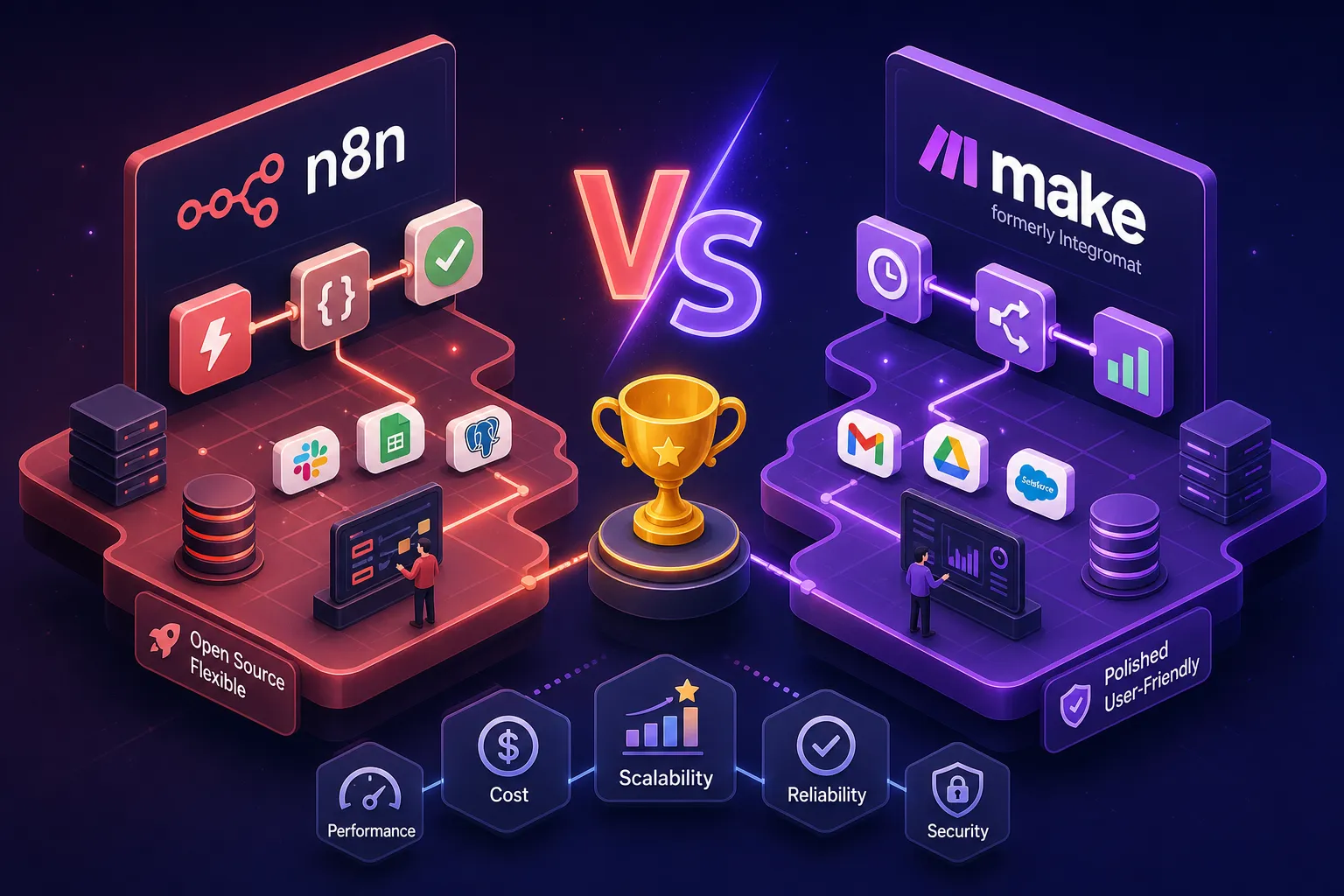
Picture this: a small business owner in Nairobi opens two browser tabs on a Monday morning. One says n8n, the other says Make (formerly Integromat). Both promise to automate the repetitive work eating through the team's day. Both connect to WhatsApp, Google Sheets, and the tools already in use. But after twenty minutes of reading pricing pages, nothing is clearer. The numbers look similar. The feature lists look similar. And yet, choosing the wrong one will cost real money and real time to undo six months down the road.
Understanding the difference between n8n and Make (Integromat) is not just a technical question, it is a business decision with direct cost implications. Alvine Otieno, a Kisumu-based automation consultant who builds production n8n workflows for businesses daily, gets this question from clients regularly. The confusion is understandable because both platforms operate in the same space but are built on fundamentally different assumptions about who their user is, how much data they will process, and whether they want to own their infrastructure. This article lays out the real n8n vs Make differences so you can decide with confidence, not guesswork. You will get a feature comparison, real pricing numbers for Kenyan business volumes, a hosting breakdown, a decision checklist, and a practical migration path if you are already running on Make.
What actually sets n8n and Make (Integromat) apart
The clearest way to understand the two platforms is to compare them directly on the dimensions that matter most for a growing business.
  Feature
  n8n
  Make


  Pricing model
  Per workflow execution (1 run = 1 unit)
  Per operation (1 step = 1 unit)


  Self-hosting
  Yes, free Community Edition
  No, cloud only


  Custom code
  Native JavaScript and Python via Code node
  No inline code execution


  AI / agent architecture
  Autonomous agents via LangChain and native Agent nodes
  Augmented steps (summarisation, classification)


  Native integrations
  ~400, 500 nodes plus HTTP Request on all plans
  3,000+ app connectors


  Best fit
  Developers, complex logic, data-sensitive workflows
  Non-technical teams, quick setup, broad SaaS coverage
Make's integration library is significantly broader. If you need a native connector for a niche global CRM like Salesforce or Pipedrive, or a specialised SaaS tool your industry uses, Make is more likely to have it pre-built. n8n counters this with an HTTP Request node available on every plan, including the free self-hosted version, which connects to any REST API without a pre-built module. For Kenyan businesses working with M-Pesa Daraja, Flutterwave, or Paystack, n8n's HTTP Request node handles those integrations cleanly, and there is even a community node specifically for M-Pesa Daraja (n8n-nodes-mpesa-daraja) that abstracts the OAuth handling entirely.
The sharpest technical difference between n8n and Make is custom code support. n8n lets you drop a Code node anywhere in a workflow and write JavaScript or Python with full library access. Make's logic is limited to built-in expression functions; there is no way to run arbitrary code inline. For AI, n8n is built for autonomous multi-step agents with memory and tool-routing through native LangChain integration. Make adds OpenAI and Claude modules for simpler tasks like text extraction and summarisation, but it does not support the multi-step reasoning chains that are increasingly central to serious AI automation work.
n8n vs Make: how the costs compare at real usage volumes
The pricing models look superficially similar until you do the maths on a real workflow. n8n charges one unit per complete workflow run, regardless of how many steps are inside it. Make charges one operation per individual step. A 15-step workflow running 1,000 times costs 1,000 executions in n8n but 15,000 operations in Make. That difference compounds as workflows grow more complex.
Consider a Nairobi-based online shop running 5,000 order confirmation workflows per month, each with 12 steps: receive the order, update a spreadsheet, send a WhatsApp message, log to a database, trigger an M-Pesa check, and so on. On Make, that is 60,000 operations per month. Make's plan tiers and operation limits have shifted in recent years, so check Make's current billing calculator for exact figures, but at this volume you are likely looking at a Pro-tier plan of around $59 per month (USD). On n8n Cloud, those same 5,000 executions sit within the Pro tier at approximately €50 per month on an annual billing basis; month-to-month rates are higher, so confirm the current figure on n8n's pricing page before committing.
Self-hosting n8n changes the economics significantly. A Hetzner CX32 VPS, 4 shared vCPUs, 8 GB RAM, costs approximately €6.80 per month (roughly KES 1,100 at mid-2026 exchange rates). That covers the bare server cost only. A realistic production deployment also requires a managed PostgreSQL instance, automated backups, and basic monitoring, which typically adds $30, $70 per month depending on your provider and backup frequency. The total infrastructure cost therefore falls in the range of $40, $80 per month, but with unlimited executions. At high workflow volumes, that ceiling matters enormously compared to Make's per-operation counting model.
Make's pricing makes sense in specific situations. If you are running a simple 3-step workflow 500 times a month, you will stay comfortably on the free or Core plan without touching your budget. Make is also genuinely cost-competitive when you factor in zero infrastructure overhead, no server to configure, no Docker to manage, no PostgreSQL to maintain. For a small team without DevOps capacity, Make's $19, $59 per month managed cost can be lower in total than a self-hosted n8n setup once you account for setup time and ongoing maintenance. The economics only swing decisively toward n8n self-hosting when workflows are either complex in steps or high in volume, or both.
Self-hosting n8n versus Make's cloud-only model
n8n is open-source and fully self-hostable under the Community Edition, which is free with unlimited executions. A production-grade deployment requires a Linux server running Ubuntu 22.04 or 24.04, Docker and Docker Compose, a managed PostgreSQL database (SQLite is only suitable for testing), and a reverse proxy like Nginx or Caddy with HTTPS configured. n8n's own documentation recommends a minimum of 2 vCPUs and 2 GB RAM for small workloads; for production, 4 vCPUs and 8, 16 GB RAM is the recommended spec.
Maintenance is a real consideration. A stable, well-configured self-hosted instance requires periodic updates, backup verification, and occasional debugging. Budget conservatively for around ten hours per month of DevOps attention, particularly in the first few months. That labour cost, whether your own time or a consultant's, should be included honestly in any total cost of ownership comparison against Make's fully managed cloud.
Make has no self-hosted option. Every plan runs on Make's cloud infrastructure, which for most small businesses is a genuine advantage: zero setup time, no server responsibility, and automatic updates. The trade-off is data residency. Your workflow data and execution logs live on Make's servers. For businesses handling sensitive client information, NGOs managing beneficiary data, or any organisation operating under GDPR or local data governance requirements, self-hosted n8n gives full control over where data is stored and processed. That is a real distinction, not a marketing claim.
A simple decision framework: key differences that determine which fits your business
Three questions cover most of what you need to decide. First, what is your volume and workflow complexity? High-volume, multi-step automations favour n8n's execution-based pricing and self-hosting economics. Occasional, simple workflows favour Make's flat cloud pricing. Second, what is your team's technical capability? Make requires no server knowledge whatsoever. n8n self-hosting requires comfort with Linux and Docker. Third, do you need custom code, AI agents, or deep database integrations? If yes to any of those, n8n is the only option that supports all three natively.
Use this checklist to settle the choice before committing resources:
- You need custom JavaScript or Python inside your workflows: n8n
- You want to build AI agents that reason across multiple tools: n8n
- You handle sensitive data and need it stored on your own server: n8n
- You run complex workflows at high volumes (typically above 50,000 runs per month, or lower volumes with many steps per run): n8n self-hosted
- You want plug-and-play setup with no technical overhead: Make
- You need native connectors for niche SaaS tools without HTTP workarounds: Make
- You are a non-technical founder testing automation for the first time: Make
If your checklist leans toward n8n but you are not confident setting it up, that is exactly the kind of project Alvine Otieno handles for Kenyan businesses: server setup, workflow build, error handling configuration, and a production-ready system handed over ready to run.
Moving from Make to n8n without breaking your workflows
Make and n8n use different vocabulary for the same underlying concepts, and translating your existing scenarios is mostly a matter of knowing the equivalents. Make's Webhook module becomes n8n's Webhook node. The HTTP module maps to the HTTP Request node. Filters and Routers become IF nodes or Switch nodes. Data manipulation done in Make's built-in functions moves to n8n's Set node, or a Code node for anything more complex. The logic is the same; the interface is different.
Rebuild time varies by complexity. Simple automations of 3, 5 steps can take as little as 20, 30 minutes once you know the node layout. Standard scenarios of 5, 10 steps typically take around an hour. Advanced scenarios with conditional branching, custom code, or multiple integrations can take 1, 3 hours each. For a small set of 5, 10 workflows, expect one to two weeks for a thorough rebuild and parallel test. For 20, 50 workflows, budget two to four weeks.
No official one-click importer exists between the two platforms, but a few tools reduce the manual rebuild time. Maketon8n.com accepts a Make Blueprint JSON export and converts it into an importable n8n workflow file. Migromat.com does similar work with a focus on credential reconnection. AI assistants like Claude or ChatGPT can also parse an exported Make Blueprint and generate a close n8n equivalent, though you will need to review the output manually before activating anything in production.
The parallel testing phase is where most migrations succeed or fail. Run both platforms simultaneously on the same triggers, log outputs to a shared spreadsheet or database, and compare results row by row before going live on n8n exclusively. Set up error handling nodes in n8n from the start. Make handles errors with defaults that are not always obvious; n8n requires explicit error branches, which sounds like more work upfront but produces more predictable, debuggable automations in the long run.
The verdict on the n8n vs Make (Integromat) difference for Kenyan businesses in 2026
Make is the faster path to automation for non-technical teams running simple workflows on a modest budget. If you are building your first automation and want to connect two or three tools without touching a server, Make gets you there in an afternoon. n8n is the better long-term investment for businesses that need custom logic, autonomous AI agents, data privacy control, or want to stop paying per operation as their automation volume grows.
For Kenyan businesses specifically, the self-hosting economics of n8n make a real difference at scale. Once workflow volumes grow into the tens of thousands of runs per month, the per-operation billing model on Make compounds quickly, whereas a self-hosted n8n instance keeps costs fixed regardless of volume. The gap widens further as you add more steps to each workflow. The upfront cost is infrastructure and setup time; the long-term payoff is predictable, uncapped throughput.
If you have decided n8n is the right fit and want it set up correctly from the start, or need help migrating from Make without workflow downtime, reach out to Alvine Otieno. He builds and manages n8n automation systems for Kenyan businesses, covering everything from server provisioning and workflow architecture to error handling and handover documentation. Book a consultation with Alvine Otieno to discuss your specific setup.
Software engineer writing about the craft of building products on the web.