No-code auto-replies: set up automated responses in an hour
Learn how to set up automated replies for customer queries without coding using WhatsApp Business, Tidio, and n8n. This guide covers practical steps and templates for Kenyan businesses to implement auto-responders quickly.
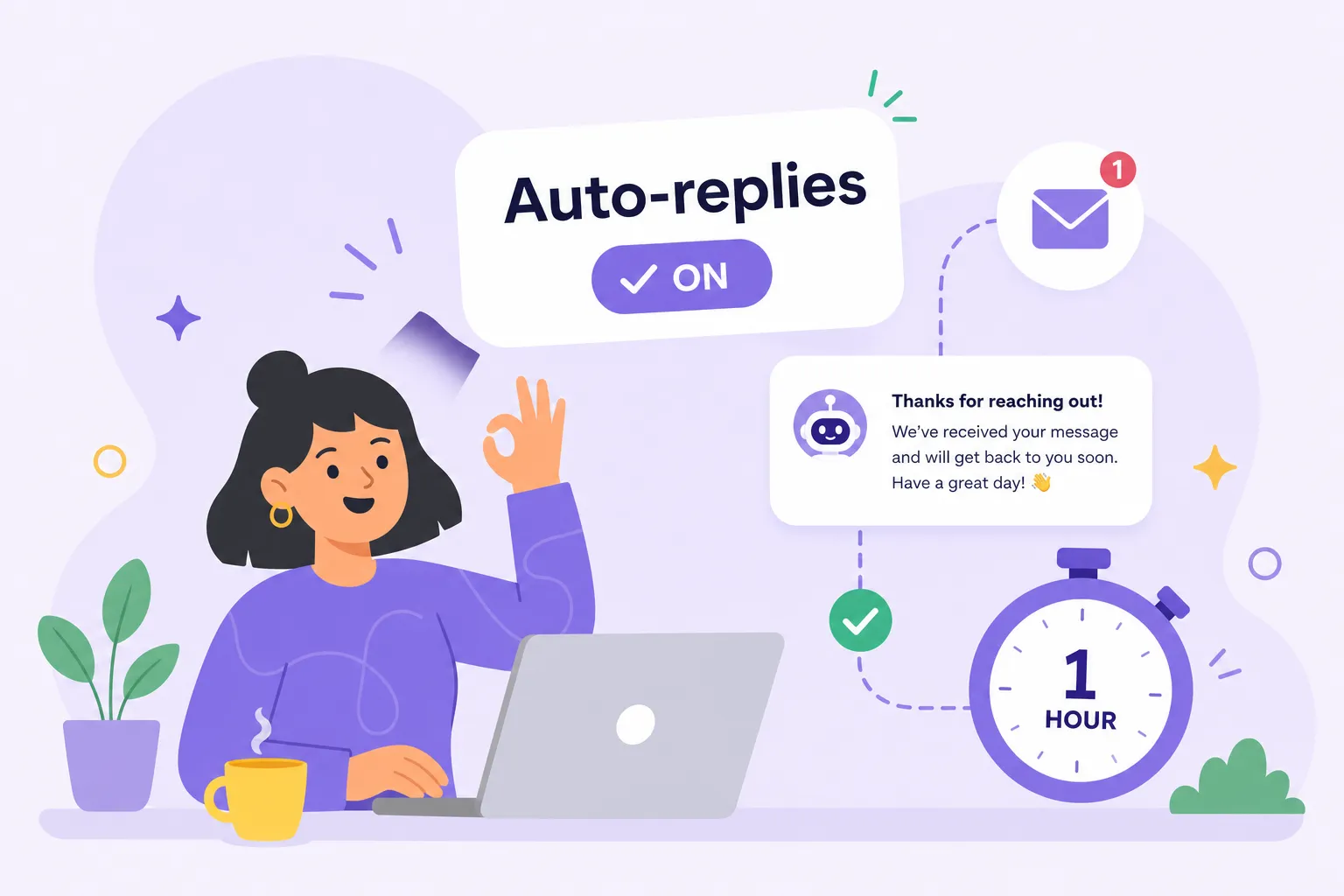
If you've typed "Hi, thanks for reaching out, we'll get back to you shortly" more than five times this week, you are long overdue for a proper auto-reply setup. This guide shows you exactly how to set up automated replies for customer queries without coding, using the WhatsApp Business app, Tidio, and n8n, with real templates you can copy today. No developer needed. The steps draw from practitioner experience with automation built for Kenyan businesses, so what you are reading reflects what actually works locally.
Automated customer responses are not just a convenience. For a Kenyan business running on WhatsApp, they are the difference between looking professional and losing a sale at midnight. Work through this guide and your no-code auto-reply system will be live within the hour.
Picking the right tool before you build anything
Every tool has a ceiling. The mistake most business owners make is grabbing the first option they find and then outgrowing it three months later. Start by matching the tool to where your customers actually reach you, not where you wish they did.
The free WhatsApp Business app is widely used by small businesses across Kenya and lets you switch on greeting messages in under five minutes. It handles basic auto-replies well, but it runs on one device, supports one user, and cannot personalise responses using customer data. It is the right choice for businesses handling fewer than 50 messages a day.
If your enquiries also arrive through a website chat widget or email, Tidio offers a free tier with drag-and-drop chatbot flows requiring zero technical knowledge. It integrates with Shopify and WooCommerce, letting you manage live chat and bot responses from a single dashboard. The paid Starter plan runs at approximately $24 per month on an annual billing cycle, check Tidio's pricing page for the current monthly rate, and note that all figures are in USD, so factor in any payment method fees from Kenya. For businesses that want multi-step logic connecting WhatsApp, email, Google Sheets, and external APIs, n8n is the most powerful no-code option in this tier. You can self-host it free or use the cloud version. It takes more initial setup but handles far more complex scenarios.
How to set up automated replies in the WhatsApp Business app
The WhatsApp Business app includes built-in auto-reply tools for different situations: the Greeting Message for new contacts and, depending on your current app version, messaging options for outside business hours. Check your app's Business Tools menu to confirm which messaging options are available to you, as the WhatsApp Business app interface is updated periodically. Many business owners activate the greeting message and stop there, missing the rest of the available messaging tools where much of the real value sits.
Setting up your greeting message
Open the app and tap the three-dot menu in the top right corner. Go to Business Tools, then Messaging Tools, and select Greeting Message. Toggle it on, write your message, and choose your recipient group. A good greeting message acknowledges the customer, sets a response time expectation, and invites them to share what they need. Keep it brief, aim for two to three sentences so it reads quickly on a mobile screen.
Configuring your away message
If your app version includes Away Message, you'll find it under Business Tools. Toggle it on, write your message, and set your schedule: always, a custom window, or outside your saved business hours. Save and you are done. Customers who message at 11 PM get an immediate, professional response instead of silence, one of the most impactful two-minute setups available to any Kenyan business owner. If this option is not visible in your current app version, check the official WhatsApp Business Help Centre for the equivalent feature under your installed version.
Quick replies for repeated questions
Quick Replies are not automatic, but they belong in this autoresponder setup. Go to Business Tools, select Quick Replies, and save shortcuts for your most repeated responses covering delivery timelines, payment options, and return policy. These canned reply templates give you pre-written answers ready to send in a single tap. Type a forward slash in any chat to pull them up, confirm the exact shortcut on your device, as it may vary between Android and iOS, and your response time drops significantly compared to typing from scratch.
Going further with Tidio or n8n for smarter workflows
Once you have WhatsApp handled, the next layer is connecting it to your other channels or adding decision logic to your responses so that different questions get different replies.
Building a basic chatbot flow in Tidio
After creating a free Tidio account and installing the widget on your website, navigate to the Chatbots section and select Create from Template. Choose the FAQ Bot or Order Status template. Each flow is a visual conversation tree: a trigger (visitor sends a message) leads to a condition (does the message contain "order"?) which triggers an action (send this reply). You drag, connect, and save. No code is typed at any point in this process.
Setting up a multi-step response workflow in n8n
In n8n, a basic auto-reply workflow has three nodes: a Trigger node that receives the incoming message via webhook, a logic node that decides what to reply based on keywords, and an HTTP Request node that sends the reply back through the WhatsApp Business API or via email. The visual interface shows each node as a box connected by lines, with values filled in through dropdown menus and text fields. The best place to start is the n8n template library, which includes pre-built WhatsApp and email automation flows you can import and customise without touching a single line of code.
Three auto-reply templates you can copy right now
A well-written auto-reply acknowledges the customer, gives them a clear expectation, and leaves no ambiguity about what happens next. Here are three templates adapted for the Kenyan market, ready to use today.
Order confirmation template
"Hi [First Name], your order #[OrderNumber] is confirmed. Total: Ksh [Amount] (received via M-Pesa). We'll ship within 1 to 2 business days and send you a tracking update once it's on its way. For any changes, reply here before 5 PM today.
Regards, [Your Name], [Business Name]."
Delivery status update template
"Hi [First Name], great news! Your order #[OrderNumber] is on its way. Expected delivery: [Date]. Track it here: [Link]. If you have any issues on arrival, just reply to this message and we'll sort it out.
Regards, [Business Name]."
Returns and FAQ auto-reply template
"Hi [First Name], thanks for reaching out about your order. Our return window is [X] days from delivery. To start a return, reply with your order number and reason. Refunds process within [X] business days back to your original payment method (M-Pesa or card).
Regards, [Business Name] Support."
Smart routing: when to automate and when to hand over
Not every message should get an automated reply. Routing the wrong queries to a bot frustrates customers and erodes trust, in Kenya, a bad bot experience often means losing the customer permanently, not just the transaction.
Set automation to fire when a message contains words like "hours", "price", "payment", "confirm", or "delivery." Pair each trigger with three to five synonymous variations to catch how different customers phrase the same question. For example, map "price", "cost", "how much", and "bei" to the same trigger. This helpdesk automation approach alone moves keyword match accuracy from around 68% to above 90%.
Any message containing words like "fraud", "wrong item", "refund dispute", "account hacked", or "urgent" should bypass automation entirely and route straight to your team. Set a clear handoff message: "This looks like something our team needs to handle personally. We'll get back to you within [X] hours." Add a frequency cap so no customer receives more than one automated reply per two-hour window per trigger type, preventing the bot from spamming someone mid-conversation.
When basic auto-replies have taken you as far as they can go
The WhatsApp Business app serves you well up to a point, but there are clear signals that you have outgrown it. Recognising those signals early saves you from months of patchwork fixes. These are the situations that tell you it is time to move up:
- You are managing more than 50 to 80 WhatsApp conversations a day across multiple team members
- Customers are asking questions the app cannot answer from your data, such as order status, account balance, or appointment availability
- You are losing sales because responses are slow at night or over weekends
- Your FAQ list has grown beyond what Quick Replies can practically hold and you need a proper chatbot builder with no-code automated replies to handle the volume
At this point, a greeting message is no longer automation. It is just a delay before a human still has to do the same work.
A fully built WhatsApp AI bot, connected to your business systems via the Meta WhatsApp Cloud API, can look up real order data, qualify leads, collect payments, and hand off to a human only when genuinely needed. It runs 24 hours a day, handles multiple conversations simultaneously, and can be connected to M-Pesa for payment confirmations via an integration layer such as Africa's Talking or a dedicated payment gateway. For Kenyan businesses that have reached this stage, Alvine Otieno builds done-for-you WhatsApp AI automation systems designed specifically for how businesses operate here: M-Pesa integrations, local customer behaviour, and Kenyan business hours baked in from the start. Reach out at alvineotieno.com when you are ready to scale beyond what the app can handle.
Start tonight, not next week
The whole setup, from greeting messages to smart routing, is genuinely achievable in an afternoon, no developer required. Start with the WhatsApp Business app greeting and away messages today. Add Tidio or n8n when you need more control over your flows and more channels feeding into one system.
Use the templates in this guide as your starting point for no-code auto-replies for customer queries, then adjust them to match your brand voice. Set up routing rules so your customers always feel heard, even when you are not at your phone. As your business grows and conversation volume increases, basic auto-replies will hit a ceiling. When that happens, the right move is a proper WhatsApp AI bot built for your specific operations. For now, the most important step is the first one: switch on that greeting message tonight.
Software engineer writing about the craft of building products on the web.