Replit for beginners: build and deploy your first web app
You have an idea. A small business to promote, a service to put online, or just a personal page you want the world to see
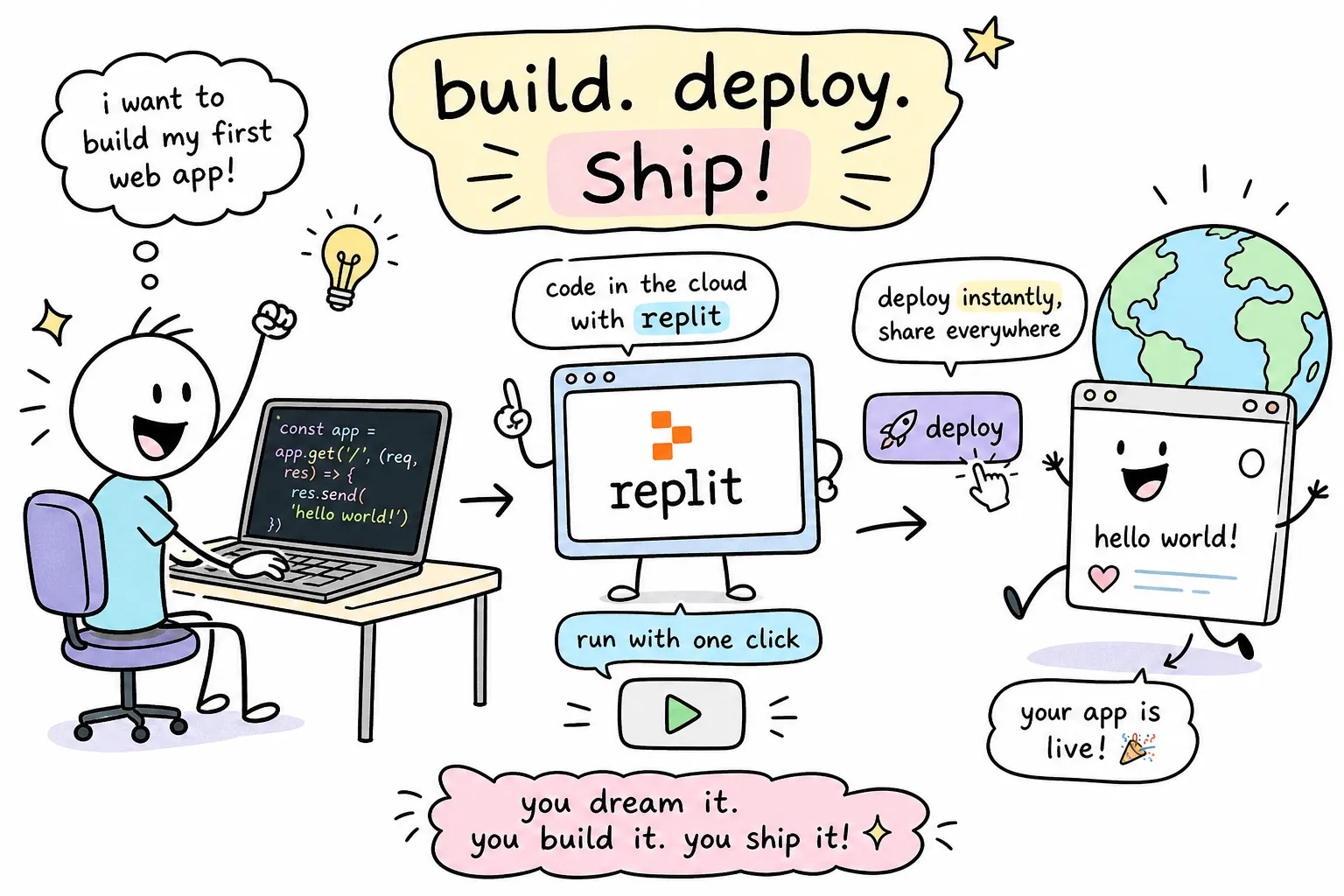
You have an idea. A small business to promote, a service to put online, or just a personal page you want the world to see. Then reality hits: you need to install Python, configure Node.js, set up a virtual environment, debug a PATH error, and somehow wire everything together before you write a single line of actual code. Most people quit here, not because they lack ability, but because the setup has nothing to do with building.
This Replit for beginners guide removes all of that friction. You open a browser, create a free account, and start writing code inside a fully configured workspace in under two minutes. No downloads, no terminal nightmares, no version conflicts on your machine. By the time you finish this guide, you will have a live account, a running project, and a deployed web app accessible to anyone with a link. It is written for non-developers and early-stage entrepreneurs who want to move fast without a computer science degree holding them back.
What Replit actually is (and why it removes the setup headache)
Replit is a browser-based integrated development environment, a complete coding workspace that lives entirely online. The code editor, the code runner, the package manager, and the hosting tools are all bundled into one interface you access from any browser on any device. Nothing lives on your local machine, which means nothing breaks on your local machine.
Traditional development requires you to set up your environment before you can do anything productive. That process can take an afternoon for experienced developers and several frustrated days for beginners. Replit skips it entirely. The environment is already configured for you the moment you create a project, and that difference is more significant than it first appears.
The platform serves a wide range of users: students learning their first programming language, entrepreneurs testing a business idea before spending money on it, non-technical founders who want to prototype without hiring, and professional developers who need a fast sandbox for experiments. The key point is that Replit lowers the barrier to entry without limiting what you can actually build. Real web apps and automation tools run on this platform daily.
Replit for beginners: creating your account and launching your first project
Go to replit.com, click Sign Up, and choose Continue with Google for the fastest path through the process. If you prefer to use an email address, that works too. Pick a username, select the Starter plan (the free option), accept the terms, and you land on your dashboard. No credit card required. The whole process takes under two minutes.
Once you are in, click Create Repl to start your first project. A REPL is simply Replit's term for a workspace or project. You will be asked to choose a programming language, and for absolute beginners, Python is the safest starting point: the syntax reads almost like plain English, the learning curve is gentle, and the AI assistant performs exceptionally well with it. If your goal is building a website immediately, choose the HTML/CSS/JS template instead. Name your project and click Create. The workspace loads in seconds.
The workspace has three main areas worth understanding before you write anything. On the left is the file tree, which shows all the files in your project. In the centre is the code editor, where you write. On the right is the console and output panel, where you see results when you run your code. The Run button sits at the top. Knowing where output appears removes a significant amount of early confusion, so spend a minute getting familiar with the layout before you start.
Writing code with the Replit AI assistant, even without experience
Replit includes a built-in AI coding assistant called Ghostwriter, and for beginners it functions as a pair programmer that responds to plain English. You do not need to install a plugin or navigate any external service, Ghostwriter is built directly into the Replit IDE. Note that on some free accounts you may need to enable it in your IDE settings before it activates. Once enabled, the Starter plan includes 100 AI completions per month, which is sufficient to work through everything in this guide and get started on several beginner projects.
The basic workflow is straightforward. Add a comment in plain English describing what you want the code to do, for example: # create a function that greets a user by name. Ghostwriter generates the corresponding function below the comment. Press Tab to accept the suggestion, run it in the console using the Run button, and see the output appear on the right. That loop of describe, generate, review, and run is the core of how you build things here.
Always review every line of AI-generated code before you run it in a live context. Ghostwriter is a fast first drafter, not a final authority. It handles straightforward functions reliably, but conditional logic and error handling warrant careful review. Reading what it produces helps you understand what your code is actually doing, and that habit pays off quickly as your projects get more complex.
This prompt-driven workflow is not just for beginners. It is how experienced developers accelerate real work. Alvine Otieno, a Kisumu-based developer who builds production WhatsApp bots and workflow automation systems for businesses across Kenya and the US, uses a similar AI-assisted approach: describe the problem in plain language, generate a working draft, then review and refine every line before shipping. Replit fits naturally into that workflow precisely because it removes friction between an idea and running code, which frames the platform as a serious builder's tool, not just a learning exercise.
How to deploy your first web app live from the browser
There is a difference between running code inside your workspace, which only you can see, and deploying it so anyone with a link can access it. Deployment is how you go from a private experiment to a public product. For a static site built with HTML, CSS, and JavaScript, the only requirement is an index.html file at the root of your project.
Start by creating a minimal HTML file with a heading, a short paragraph about yourself or your business, and basic styling. This gives you something real to publish rather than an empty page. Once the file is ready and the site looks correct when you click Run, move to deployment. Click the Deploy button in the top-right corner of the workspace, select Static as the deployment type, and set the public directory to ./ for files sitting in the root folder. Click Deploy and Replit handles the provisioning, security scan, and bundling steps automatically.
Within a minute or two, your site is live at a .replit.app URL that anyone in the world can open. No server to configure, no hosting panel to navigate, no command line involved. Updating the site is equally simple: edit your code in the workspace and click Deploy again. For anyone who wants their own domain, such as yourbusiness.co.ke, Replit supports custom domain linking, but this feature requires a paid plan (Core or above) rather than the free Starter plan. When you are ready to upgrade, the process involves adding an A record and a TXT record at your domain registrar. It is an optional step, but worth knowing it is available as your business presence grows.
Free tier limits: what you actually get for free
The Starter plan gives you approximately 1,200 development minutes per month (around 20 hours of active coding time), one published static deployment, 100 AI completions, and 0.5 vCPU with 1 GiB of RAM and 2 GiB of storage per project. Your published app sleeps after roughly five minutes of inactivity and wakes up when someone visits, so the first visitor may experience a short delay. Published links on the Starter plan also expire after 30 days if the app is unpublished, so keep that in mind for anything you want to stay live. A Made with Replit badge appears on free-tier apps. (For the latest limits, refer to Replit's pricing page at replit.com/pricing.)
The free tier is genuinely sufficient for learning to code, testing a business idea, building a portfolio project, or working through the beginner projects in the next section. You will not hit the ceiling on your first few projects. The limits become relevant when you need an app that runs 24/7 without sleeping, handles significant traffic, or requires a persistent database. That is when the Core plan, currently around $25 per month, with a discount available on annual billing, becomes worth considering. Check Replit's pricing page for the current rate and what each plan includes. There is no reason to think about that on day one.
Four beginner projects to build this week with Replit
Each of these projects is achievable on the free Starter plan and requires no prior coding experience. The AI assistant handles the heavy lifting on first drafts, so your main job is picking something you actually need right now and iterating on what it generates. A useful way to choose: go with whichever project gives you something usable the fastest.
- Personal landing page: A single HTML/CSS page introducing yourself or a business idea. This is the most directly useful starting project because it produces something you can share immediately. Using the deployment workflow from the previous section, you can have it live in under an hour.
- Simple contact form: An HTML form collecting a name, email address, and message. It teaches you about form elements and gets you thinking about how users interact with your pages. It is also genuinely useful for any business that needs enquiries from potential clients.
- Python quiz app: A command-line quiz that asks five questions and scores the user. This is a clean introduction to variables, loops, and conditionals in Python. The AI assistant can generate the entire structure from a single descriptive comment, making it a strong first Python project.
- Business announcement page: A styled HTML page announcing a product, service, or upcoming event. If you have something to promote right now, this is the most practical project on the list. It is fast to build, immediately deployable, and easy to update when your offering changes.
None of these require you to understand every line of code before you start. Write the description, let the AI generate a draft, review what it produces, run it, and iterate. That is the full cycle for all four projects.
Start building today with Replit
You went from a browser tab to a deployed web app without installing a single thing. That is the real value this Replit beginner guide demonstrates: the platform replaces the setup barrier with a workspace where you can focus entirely on building. The biggest mistake most beginners make is waiting until they feel ready. You do not need to feel ready. You need an idea and a Replit account.
Pick one of the four projects above, open replit.com, and start today. The free Starter plan is more than enough to get your first thing live, just keep in mind the one-published-app limit and the sleeping behaviour described above. Progress on a real project teaches you more in an afternoon than a week of reading about code.
When your project grows beyond a static page and you need production-grade work, WhatsApp AI bots, workflow automation, M-Pesa integrations, or a full web platform, that is a different conversation. Alvine Otieno specialises in exactly this kind of development for businesses across Kenya and beyond. For now, open the browser and start building.
Software engineer writing about the craft of building products on the web.