Replit review 2026: real costs, AI features and who wins
An in-depth review of Replit in 2026, covering its AI features, real pricing (including hidden overage costs), and practical use cases for developers. Learn which tier is right for you.
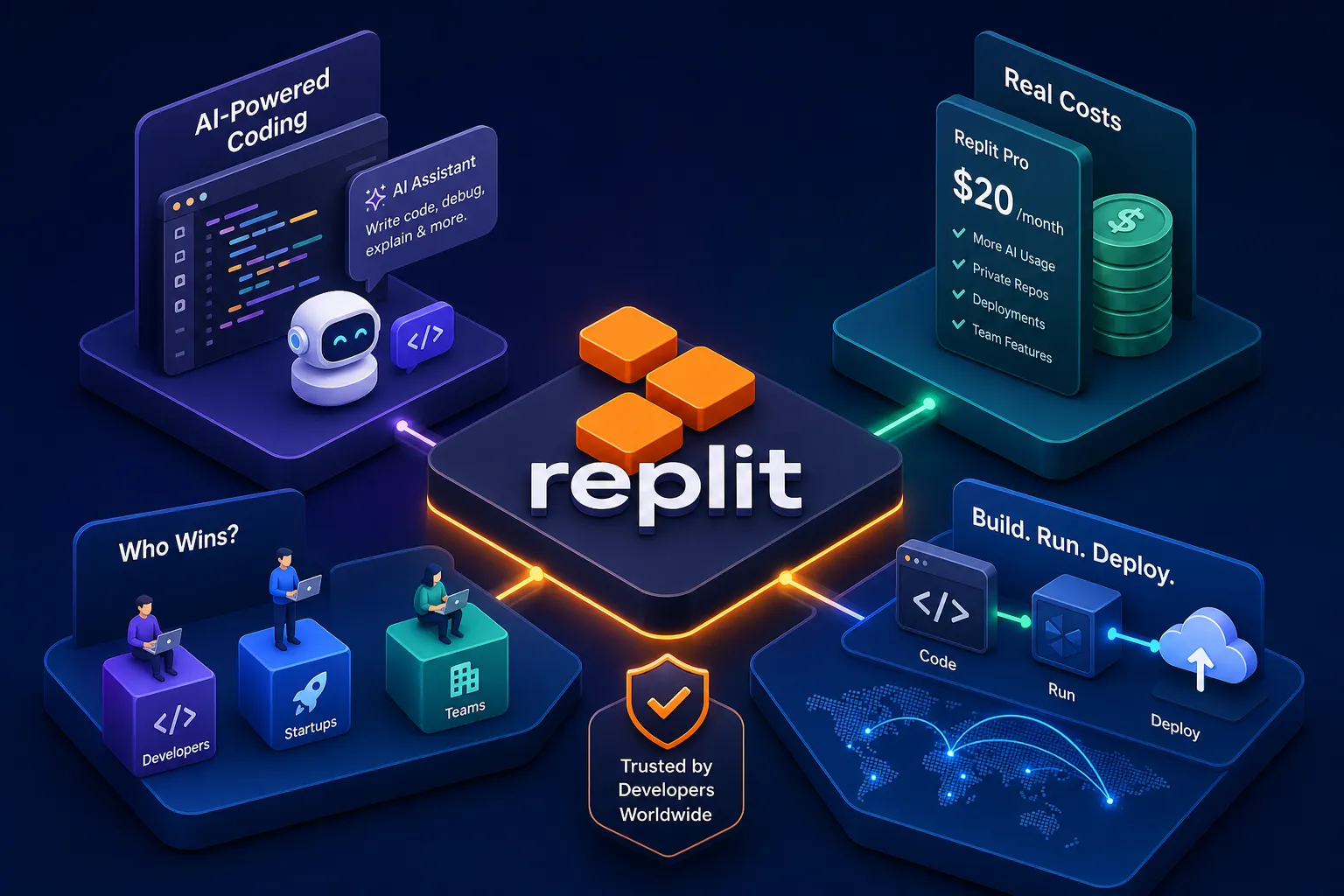
Developers across Africa are building real products with nothing but a browser and a text prompt. No local IDE, no terminal configuration, no server bill from day one. Replit sits at the centre of that shift, and in 2026, it looks nothing like the code playground it started as.
This Replit review is a practitioner's assessment, not a spec sheet. As a Kisumu-based developer who builds WhatsApp AI bots, workflow automations, and web platforms for clients across Kenya and the US, I use Replit as one part of a deliberate AI-assisted development stack. It has earned its place in that stack for specific reasons, and it has real limits you need to understand before you commit. Here is what this article covers: the AI features, the actual pricing (including the part nobody talks about upfront), how fast you can realistically ship a prototype, where the platform lets you down, and who genuinely benefits in 2026.
What Replit is doing differently in 2026
While still a browser-based IDE, Replit's public identity in 2026 centres on Agent v2, an agentic natural-language-to-deployed-app workflow that plans architecture, installs dependencies, writes code, provisions a PostgreSQL database, and hands you a live URL. You describe what you want to build in plain English, and the Agent works autonomously for up to 20 minutes, scaffolding your project while you watch. For developers doing an online code editor comparison, this agentic shift is the single biggest differentiator from tools like GitHub Codespaces or Glitch.
What makes Agent v2 meaningfully different from earlier versions is the hypothesis-based debugging. Instead of applying the same fix repeatedly, the Agent forms a hypothesis, searches relevant files, and only makes changes once it has enough information to act. This approach generally reduces the frustrating loops that made earlier AI coding tools painful to work with. That said, community reports, including documented reliability incidents, show that recursive loops and cases requiring human intervention do still occur. Test Agent v2's behaviour on non-production projects before relying on full autonomy for anything a client depends on.
The AI features worth knowing about in practice are these: real-time design preview (live rendering as CSS and HTML is written, so you can redirect the Agent before it goes too far in the wrong direction), screenshot-to-code input (upload a napkin sketch and get a working component), Ghostwriter code completion for when you are writing manually, a checkpoint and rollback system so you can revert if something breaks, and automatic unit test generation on request. Each of these saves you time in a measurable way. The design preview alone removes the cycle of waiting for a full build before seeing whether the layout is even close to what you wanted.
For developers in contexts where reliable local tooling is expensive or inconsistent, the zero-config model matters more than it sounds. From account creation to a live app URL, Replit handles the runtime, the hosting, the SSL certificate, and the preview environment. There is no server to configure and no DevOps pipeline to wire up. That removes a real barrier, particularly for solo builders and small teams without dedicated infrastructure.
Replit review 2026: what you actually pay
There are three main tiers. The Starter plan is free, offering 0.5 vCPU, 1 GiB RAM, one published app, public-only workspaces, and 1,200 monthly dev minutes, with limited Agent capability. Note that public summaries of Starter limits have varied slightly across sources; check Replit's billing documentation directly for the authoritative mid-2026 figures. The Core plan runs $20 per month on annual billing or $25 month-to-month. It includes $25 in monthly usage credits, 4 vCPUs (boostable to 16), 8 GiB RAM, full Agent access, and up to 5 collaborators.
The Pro plan is $95 per month annually or $100 monthly. It includes $100 in monthly credits with one-month rollover, 10 parallel agents, Turbo mode, 28-day database restore, and up to 15 builders. The Teams plan was retired in February 2026 and absorbed into Pro.
Overage costs: the part nobody tells you upfront
There is no default spending cap. Once your monthly credits run out, compute, storage, and AI usage continue to bill without any built-in limit. Core credits do not roll over. Credits expire after six months on paid tiers. The per-unit overage rates are specific by resource type: compute is billed at $1 per million compute units, PostgreSQL storage runs $1.50 per GiB per month, outbound transfer is $0.10 per GiB after the included 100 GiB, and Agent checkpoints cost $0.25 each. Verify current rates against Replit's billing documentation before committing to a plan.
Here is a concrete scenario. A Core user running multiple Agent sessions, iterating on a client demo, and using Autoscale deployments could burn through their $25 credit allocation in a week. After that, every Agent session, every deployment, and every checkpoint continues to bill at standard overage rates with no warning ceiling. On the Replit subreddit and developer communities such as Indie Hackers, developers have reported bills ranging from $50 to $800 in a single month when this catches them off guard.
Starter vs Core vs Pro: which tier fits you
The free Starter tier is genuinely useful for learning and quick experiments, but not for running a live client product. One published app, no private workspaces, capped daily AI credits, and limited Agent capability make it appropriate for students, hobbyists, and developers evaluating the platform. If you are building something a client depends on, you need at least Core, and you need to monitor your credit usage deliberately.
How fast can you actually ship a prototype on Replit?
The marketing number is accurate in a narrow sense. Using Replit Agent on a simple web app, the timing breaks down like this: about 30 seconds for account setup and project creation, 2 to 3 minutes for the Agent to scaffold and write the code, 30 seconds to run, and roughly 2 minutes to deploy on Autoscale. Total: 4 to 5 minutes from zero to a live public URL. Without AI, the same flow on a manually coded app takes 8 to 9 minutes. That speed difference is real.
My own workflow as a developer building WhatsApp AI bots and n8n automations for real clients looks like this: describe the problem in plain language, let the Agent generate the code, then review every single line before anything goes live. The AI generates; a human reviews. Replit's instant environment and built-in deployment remove the setup overhead that would otherwise slow down that cycle. When I am scaffolding a client demo or building a front-end to test a bot integration, the platform genuinely saves hours. That is where it earns its place in the stack.
Where the speed gains start shrinking is predictable. Complex backend logic, large dependency trees, and projects that require Docker or custom devcontainer configuration run into the 20-minute Agent session limit and the shared vCPU constraint. Compiling Rust or Go binaries on Core's shared infrastructure is noticeably slower than on a dedicated machine. The platform is built for fast, interactive workloads, not for heavy compilation or production-grade backend systems. Know the boundary and you will not be surprised by it.
Where Replit falls short
The compute limits are the first constraint worth naming plainly. On Core, 4 vCPUs and 8 GiB RAM handle most lightweight apps without friction. But shared infrastructure means performance is not guaranteed, and the free tier's 0.5 vCPU and 1 GiB RAM effectively rule it out for anything beyond static pages or lightweight scripts. By comparison, GitHub Codespaces runs on dedicated VMs that scale to 32 cores and 128 GiB RAM when the work demands it. That is a meaningful difference for any project requiring serious backend computation.
The support situation is the most significant reliability concern for production use. Free users report support that is essentially non-existent, with issues sitting unresolved for weeks. Paid Core users get better access, but response quality remains inconsistent. For a developer running a client-facing product on Replit, this matters: if something breaks at a critical moment, a timely resolution is not guaranteed. That is a real operational risk, and it deserves honest consideration before you host something a client depends on.
Replit is also not designed to replace a full CI/CD pipeline or a managed cloud provider. There is no native devcontainer support, Git integration is basic compared to a GitHub-native workflow, and Docker capability is limited. As a project grows beyond MVP stage, the infrastructure will likely need to move. This is not a failure of the platform; it is simply a matter of knowing what the tool is built for and planning your exit before you need one urgently.
Replit review: how it compares to GitHub Codespaces and the main alternatives
This cloud IDE review of three tools comes down to what you are optimising for. Replit wins on zero-setup onboarding, real-time multiplayer editing, built-in hosting, and an agentic Replit AI that does not require a paid add-on. GitHub Codespaces offers full VS Code fidelity, native GitHub workflow integration (pull requests, branches, issues), configurable dedicated VMs, and full Docker support, all useful capabilities for teams already invested in that ecosystem. Glitch handles simple front-end prototyping with instant hosting but has no meaningful backend capability or team collaboration.
On pricing, Codespaces is usage-based at approximately $0.18 per core-hour after the free 60 hours per month. For an occasional user, that is cost-effective. For a developer working daily, the costs compound quickly, and you still need to arrange external hosting separately. Replit's flat subscription model is more predictable for consistent daily use, provided you stay within your monthly credits.
The decision framework is straightforward. Choose Replit for rapid MVP builds, AI-assisted scaffolding, education, and teams who need to collaborate without DevOps overhead. Choose Codespaces for professional teams already on GitHub, production-grade backend work, and developers who need full VS Code extensions and devcontainer flexibility. For a developer in Africa building on a budget with no local server, Replit's all-in-one model removes more friction than the alternatives at the MVP stage. The question is whether that friction reduction is worth the pricing model's risks at your current stage.
Who should use Replit in 2026 (and who shouldn't)
The developer profiles that get the most genuine value here are specific. Solo developers and small teams building MVPs, particularly in markets where local infrastructure is expensive or unreliable, get real utility from Replit's browser-first, zero-config model. Developers using vibe coding techniques to ship quickly and iterate on client feedback benefit directly from the Agent's speed and the built-in deployment pipeline. Students learning to code and entrepreneurs who need a working demo without a development background are also strong fits. The platform was designed for exactly these contexts, and it shows.
When to look at an alternative instead:
- You are running a production app with consistent high traffic and need enterprise-grade uptime guarantees
- Your deployment requires Docker-based containers or full CI/CD pipelines
- Your team is already deeply embedded in GitHub and would lose significant workflow efficiency by moving outside that ecosystem
- You need predictable, capped infrastructure costs with no overage risk
Replit in 2026 is a genuine leap forward for developers who need to move fast without expensive setup. Agent v2 is meaningfully useful, the prototyping speed is real, and the browser-based model removes barriers that matter in African markets specifically. The two areas where you need to plan carefully are the overage pricing model and the limited production-grade support. Go in with both of those understood, set a manual budget alert, and keep your production workloads on infrastructure built for that purpose.
Overall, this Replit review finds the platform earns its place for MVPs, client demos, and AI-assisted development workflows. If you are building something more complex and need a developer who understands both the tools and the business context behind them, that is exactly the kind of work I do. Whether it is a WhatsApp AI bot, an n8n workflow automation, or a web platform built to serve real users, the goal is always the same: production-ready software shipped faster and more affordably than traditional approaches allow. Get in touch to discuss your project.
Software engineer writing about the craft of building products on the web.