Replit vs local development: pick the right setup
Choosing between Replit and local development impacts speed, cost, and control. This guide helps developers decide the best setup for their projects, covering setup time, costs, tooling, and how to transition projects from cloud IDEs.
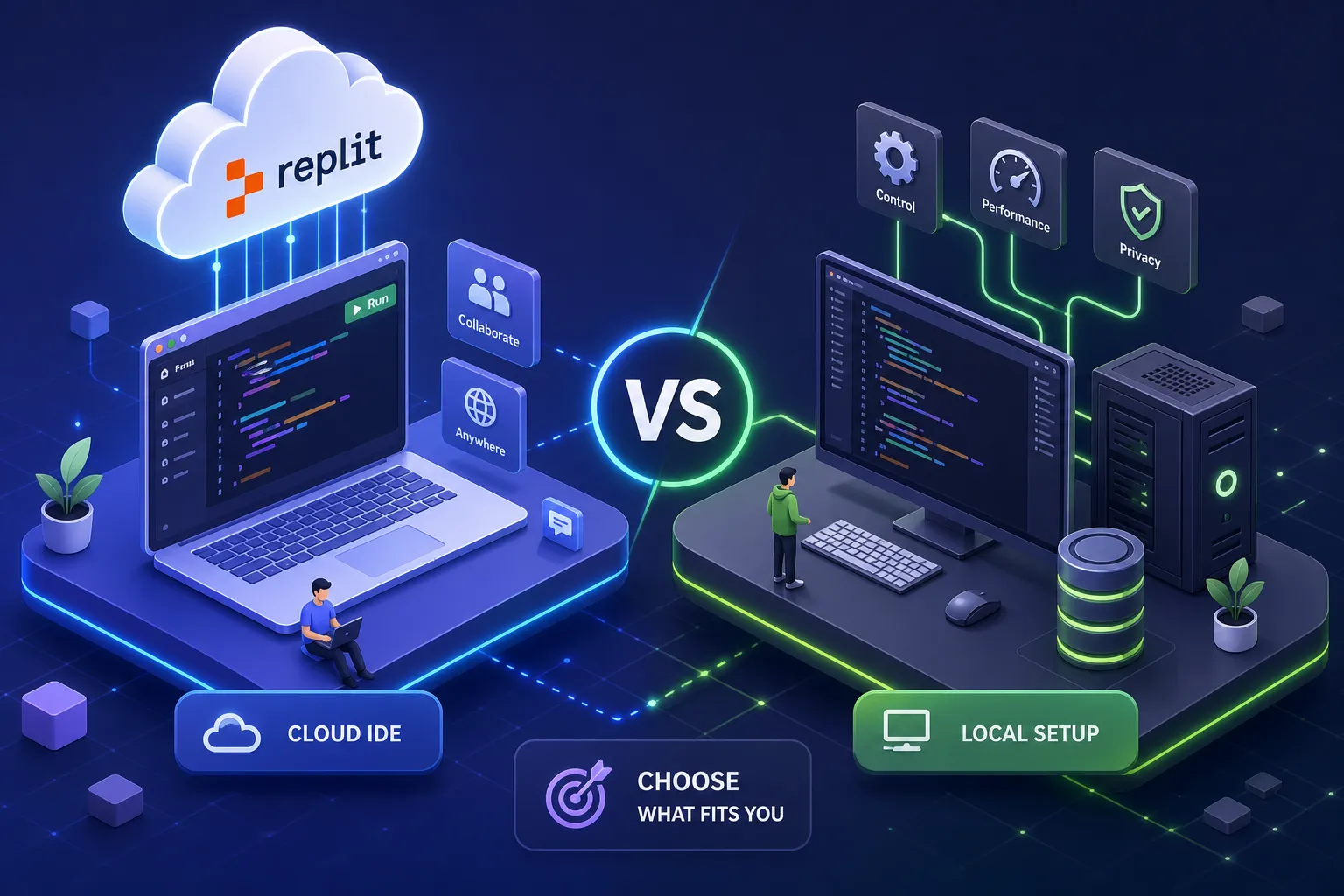
Replit vs local development is a choice that comes up constantly for developers who need to move fast without breaking things later. You have a project idea, maybe a client needs a working demo by Friday, or you want to test a webhook before writing a single line of production code. Two paths appear: spin up a cloud workspace in minutes, or open VS Code, install a runtime, configure your environment, and start from scratch. That choice matters more than most developers admit.
It comes up constantly in my own workflow. When I'm prototyping a WhatsApp bot or sketching out an automation system for a client in Kenya or the US, the answer changes depending on what I'm building and how far along it is. A proof-of-concept webhook is a different animal from a production system handling thousands of events per day. Both deserve the right environment.
By the end of this article, you will know exactly which setup fits your project, what each one actually costs in 2026, and how to move a project off a cloud IDE cleanly when the time comes.
Replit vs local development, setup speed
The first real difference between a cloud IDE and local development is how long it takes to write your first line of working code. On Replit, the answer is often just a few minutes for simple templates. You open a browser, pick a template, and you're coding. There are no runtimes to install, no package managers to configure, and no environment variables to sort out before anything runs.
Contrast that with a fresh local machine. Installing Node.js, Python, or Go; setting up a package manager; configuring your editor; and managing environment variables can take tens of minutes depending on your familiarity and operating system. That time is not wasted, it builds understanding and control, but it is a real cost when your goal is to validate an idea quickly.
This is where Replit earns its place in a professional workflow. When I'm getting a working webhook up for an early-stage WhatsApp bot build, Replit lets me put something in front of a client or test a concept before committing to a full local setup. The speed advantage is real, but zero-config comes with a trade-off: you don't fully control the runtime, the filesystem, or the environment, and that matters the moment your project grows beyond a prototype.
Cost and resource limits: the honest numbers for 2026
Replit's free tier sounds attractive until your app goes to sleep every five minutes. The Starter plan includes 1,200 development minutes per month and a set allocation of CPU and RAM, check Replit's current plan page for the exact vCPU and memory figures, as reported values vary slightly across sources. Apps on the free tier sleep after roughly five minutes of inactivity. That works for learning and prototyping, but no production web application can run reliably under those constraints.
To run an always-on Node.js or Python app, you need the Core plan, $25 per month when billed monthly, or $20 per month on an annual plan, plus a Reserved VM deployment on top of that. The deployment itself starts at around $15 to $25 per month depending on the configuration you choose. Your realistic total for an always-on app on Replit is between $35 and $65 per month. Verify the exact Reserved VM pricing against Replit's current billing documentation before committing.
A comparable DigitalOcean or Hetzner VPS, running the same Node.js or Python app, starts at $4 to $10 per month. You use VS Code locally at no cost, manage your own server over SSH, and keep the rest. Put plainly, Replit can run three to five times more expensive than a self-managed VPS for an equivalent always-on workload, roughly $35, $65 per month versus $4, $15 per month. The premium buys you integrated AI tooling, instant collaboration, and zero setup, which is valuable. But it is worth naming clearly rather than discovering on your first invoice.
Replit vs local development, tooling and debugging
Once a project moves past the prototype stage, the gap between a cloud IDE and VS Code starts to matter in practical ways. VS Code gives you access to a marketplace of over 30,000 extensions, covering custom testing frameworks, advanced database clients, specialised language servers, and container management tools. Replit's marketplace is growing, but it is not in the same territory for professional tooling needs.
Debugging is a more immediate difference. VS Code offers breakpoint-driven, interactive debugging with step-through execution, variable watching, and call stack inspection. Replit's debugging experience is primarily console-based, which works fine for a simple script. Once you're working with a complex automation system running multiple async processes, console-only debugging becomes a genuine bottleneck rather than a minor inconvenience.
Two other gaps are worth naming plainly. Local development integrates natively with Docker, so you can build, test, and manage containers exactly as they will run in production. Replit does not have native Docker support; it uses its own cloud container abstraction, as described in Replit's platform documentation. The second gap is connectivity. Most Replit operations require a live internet connection, a genuine constraint in areas with inconsistent access, including many parts of Kenya where I work. Local development, by contrast, works offline without limitation.
Collaboration and deployment: where Replit holds its own
Replit is not simply "VS Code in a browser." It has genuine strengths that a local setup cannot match without additional tooling. Real-time collaboration is the clearest example: multiple people can work in the same Replit workspace simultaneously, sharing terminals and live previews. The experience is closer to Google Docs than to VS Code's Live Share extension, and it works without any setup on the collaborator's side.
For client review sessions or pairing with a teammate who cannot set up a local environment, this is genuinely useful. I've used it to walk clients through a working bot before the full build begins, without asking the client to install anything or open a terminal.
Deployment is also simpler on Replit. You can push a running app live with one click, skipping CI/CD pipelines, Dockerfiles, and cloud provider configuration, see Replit's Deploy documentation for the specifics. The trade-off is that Replit's deployment infrastructure is a managed abstraction. You cannot fine-tune it the way you would a Railway, Render, or a self-hosted VPS. For projects that need specific deployment regions, custom server configurations, or environment-specific builds, local development paired with a proper hosting platform gives you the control that Replit's managed deployment does not.
How to migrate a Replit project to your local machine
If you started in Replit and now need to move, there are two export methods and five problems you need to solve before the switch is complete.
Exporting your code
For a one-time export, use the ZIP method:
-
Open your project on Replit and navigate to the file tree pane.
-
Click the three-dots menu at the top of the file tree.
-
Select "Download as zip," then extract the archive locally and open it in VS Code.
For ongoing work, the Git method is the better option. Connect your Replit project to GitHub via the Git integration, push to a repository, then run git clone in your local terminal. This preserves your commit history and allows you to keep pushing updates from either environment during the transition period.
Five migration problems to solve before you switch
Moving the code is the straightforward part. These five issues are where migrations typically break:
-
Missing environment variables: Replit auto-injects secrets that do not exist locally. Recreate them in a .env file and add .env to your .gitignore immediately.
-
Replit-specific dependencies: Replace @replit/database with Redis or Postgres, and @replit/object-storage with S3 or Cloudflare R2.
-
Broken database URLs: Point your DATABASE_URL to a local Postgres instance or an external provider. Keep your Replit environment and your new local setup on separate databases throughout the transition.
-
Hardcoded Replit subdomains: Search your entire codebase for .repl.co URLs and replace them with your new domain before you cut over.
-
OAuth and webhook redirect URIs: Update all OAuth providers and webhook configurations to point to your new domain, not the old Replit subdomain.
Once those are resolved, install your dependencies with npm install or pip install -r requirements.txt, set your .env , and start the development server. Keep the original Replit app running for at least a day while you test the migrated version, treat it as a parallel-run rather than a hard cutover. Work through the migration as five separate tasks: code, data, files, domain, and monitoring. Trying to handle everything in one step is how things get missed.
Which workflow actually fits your project?
The answer depends entirely on what stage your project is at and what you need from your environment, so it is worth being explicit about where each tool earns its place.
Use a cloud IDE when you are at the early-stage prototype phase, where shipping speed matters more than control. It works well for solo projects or client demos that need to be live within the hour, and for collaborative sessions where a teammate cannot set up a local environment. This is how I use Replit: at the prototyping stage of WhatsApp bot and automation projects, getting a working proof of concept in front of a client before committing to a full local setup and production deployment. It keeps early conversations grounded in something real, not a wireframe.
Switch to local development when a project will handle real users, run in production, or need custom infrastructure. A $5 VPS paired with VS Code locally beats Replit's $35 to $65 per month for an always-on application, and gives you Docker support, a specific runtime version, offline capability, and proper debugging tools. The hybrid approach works well in practice: prototype in a cloud IDE, then migrate to local once the idea is validated and the cost of staying in the cloud outweighs the convenience.
The right tool for the right stage
Replit wins on speed and collaboration at the start of a project. Local development wins on cost, control, and tooling once a project matures. Framed that way, the replit vs local development debate is really a question of project stage, not developer skill level. Both environments have a legitimate role in a professional workflow.
The practical recommendation is straightforward: start in Replit if you are validating an idea or need to demo quickly. Move to local once the idea has legs and the cost of staying in the cloud outweighs the convenience. That migration is not complicated if you plan for the five problem areas before you make the switch.
If you are building a WhatsApp bot or automation system, this is exactly the workflow I follow at Alvine Otieno: prototype fast in the cloud, then build properly with the tools and environment that give the final product the reliability and control it needs. If you are at either stage and want help getting it right, reach out, that is exactly the kind of work I take on.
Software engineer writing about the craft of building products on the web.