Self-hosting explained for small businesses in Kenya
Explore self-hosting for Kenyan small businesses. Learn how it offers greater control over data privacy and reduces long-term software costs compared to SaaS, with practical advice on getting started.
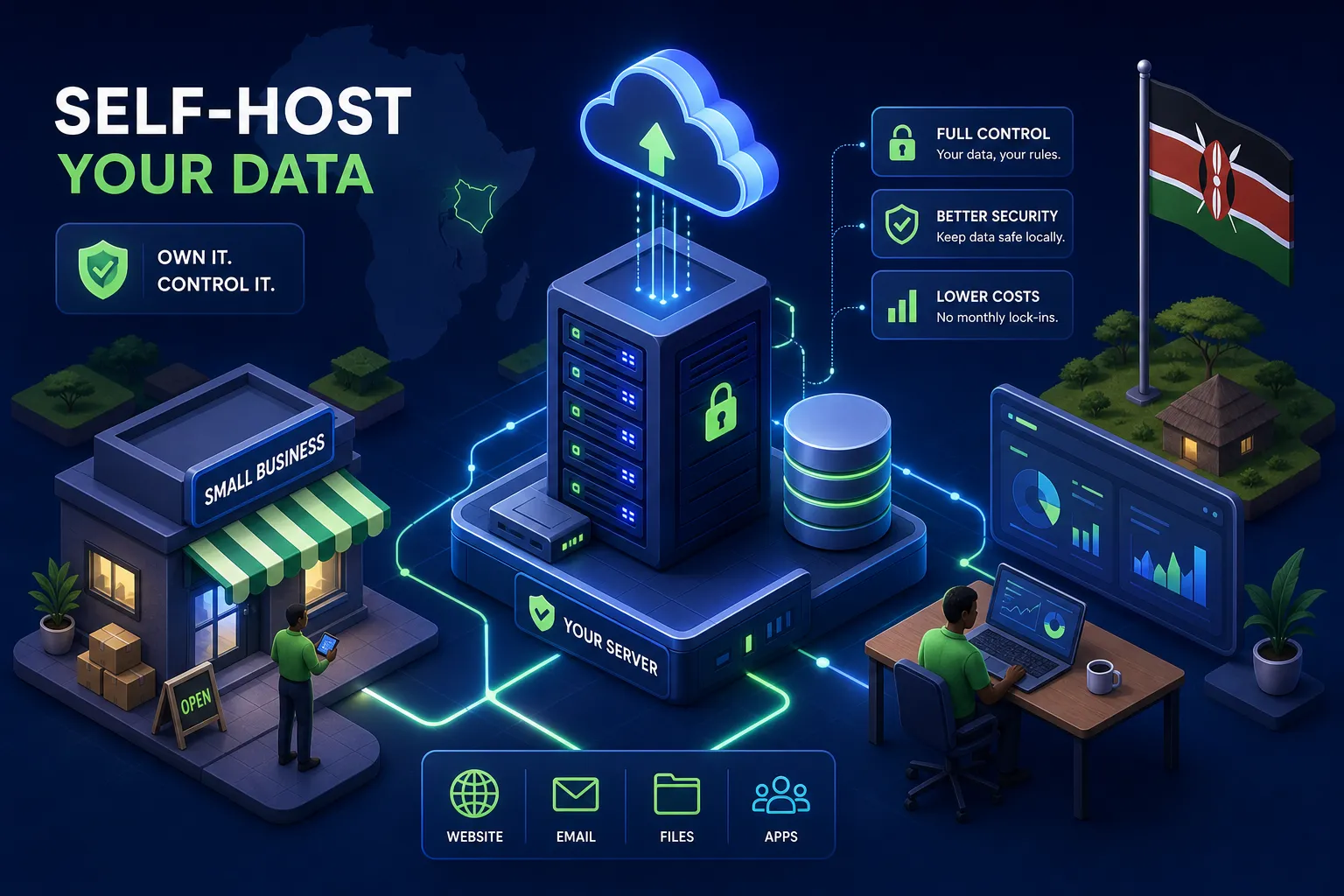
Self hosting explained simply: you run software on a server you control instead of paying a third party to run it for you. That one shift has real financial and operational consequences for small businesses in Kenya, and it is why the conversation has moved from curiosity to serious consideration. Your cloud software bill goes up every quarter. SaaS providers raise prices, change plan tiers, and restructure what was once included. The tool you built your workflows around six months ago may now require a more expensive subscription to do the same things it used to do for free. Meanwhile, much of the customer data your business generates sits on servers in California or Frankfurt, managed by people you have never spoken to, under terms of service that can change without notice.
In my experience working with business owners across Kenya and the diaspora, two concerns come up repeatedly: data privacy and long-term cost. Interest in self-hosting has grown noticeably among the clients I work with, and the questions I get have shifted from "what is this?" to "how do I start?" This guide answers both. By the time you finish reading, you will know exactly what self hosting explained in plain language looks like, whether it makes sense for your business right now, and one concrete first step you can take.
What self-hosting actually means
Self-hosting means installing and running software on your own infrastructure, whether that is a physical machine in your office or a virtual private server (VPS) you rent from a data centre. The defining factor is control: you decide where the data lives, who can access the server, and when updates happen. This is fundamentally different from SaaS tools like Google Drive, Notion, or n8n Cloud, where the provider makes those decisions for you.
A useful analogy is the difference between renting a flat and owning property. When you rent, the landlord sets the price, defines the rules, and can change the terms at renewal. When you own, you manage the property yourself, but nobody can evict you or double the rent overnight. Self-hosting works the same way: you take on the management responsibility, but you also take on the control.
Cloud hosting vs self-hosting: the core difference
With cloud or managed hosting, a provider owns the hardware, handles updates, sets the pricing, and can change their terms of service at any point. With self-hosting, that responsibility shifts to you. The trade-off is straightforward. Cloud tools are hands-off but expensive and dependent on the provider's decisions. Self-hosted tools require your attention but generally offer lower long-term infrastructure costs for steady, predictable workloads, though it is worth noting that maintenance time and occasional hidden costs are part of the picture too.
Self hosting explained: why Kenyan businesses are paying attention
Data privacy and long-term cost are not abstract technical concerns. They show up in real business decisions every week.
Your data stays where you put it
Most popular SaaS tools store data on servers in the United States or Europe. For Kenyan businesses handling customer information, M-Pesa transaction records, or sensitive communications, that creates genuine questions. Under Kenya's Data Protection Act 2019 (Section 48), transferring personal data outside Kenya is prohibited unless specific safeguards are in place, including adequacy decisions, binding corporate rules, or explicit consent from data subjects. Some businesses using foreign cloud tools may not be fully compliant and may not realise it. Self-hosting keeps data on infrastructure you control, which matters especially if your business operates in healthcare, finance, legal services, or any sector handling sensitive personal information.
The long-term cost argument
SaaS subscription fees compound quickly. To illustrate: a small team using five or six cloud tools could easily spend between Ksh 15,000 and Ksh 50,000 per month on software alone, depending on the tools and tiers involved. Self-hosting replaces those recurring fees with a one-time setup cost and a modest monthly server bill. A VPS capable of running automation tools comfortably starts from around Ksh 800 to Ksh 2,000 per month with providers like Truehost Cloud, which has a Nairobi data centre and supports M-Pesa billing. By comparison, n8n Cloud's Starter plan costs roughly Ksh 3,000 per month (equivalent to approximately US$24 at current rates) and limits you to 2,500 workflow executions. Self-hosted n8n on a VPS has no execution limits. For businesses running stable, predictable workloads, the savings compound significantly over a year.
Self hosting explained: what you actually need to get started
Most people imagine server racks, complex networking gear, or a dedicated IT room. For a Kenyan small business getting started, the reality is much simpler: a VPS and a domain name are enough to run your own services reliably. You do not need to host your own servers in the traditional sense, renting a virtual server from a reputable provider gives you the same control benefits without managing physical hardware.
Home server vs a cloud VPS: which makes more sense in Kenya
A home server gives you maximum control, but it comes with challenges that are particularly relevant in Kenya: unreliable power supply, inconsistent internet connectivity, the need for a static IP address, and the ongoing cost of hardware maintenance. A VPS sidesteps most of these issues. When choosing a provider, look for a Nairobi-based data centre (which reduces latency for local users), uptime guarantees of 99.9% or higher, Ubuntu or Debian operating system support, and a payment method that works for you, M-Pesa support from Kenyan providers is a practical advantage.
The basics: what specs you actually need
For a home server setup, the minimum reasonable hardware is a quad-core processor, 16GB of RAM, and a reliable UPS to protect against power cuts. For VPS users, the focus shifts to choosing the right plan. Running a self-hosted automation tool like n8n reliably in production requires at least 2 vCPUs and 4GB of RAM, with 40 to 64GB of NVMe SSD storage. The 1GB RAM plans are technically functional for testing but will cause crashes under real workload. A domain name pointed at your VPS handles secure HTTPS access when combined with a free SSL certificate from Let's Encrypt, more on that in the security section below.
Self-hosted tools worth setting up first
There are hundreds of self-hosted applications available, and the temptation is to install everything at once. Resist that. Start with one tool that solves a real problem in your business, get comfortable with the setup process, then expand from there.
n8n: workflow automation that you own completely
n8n is an open-source workflow automation tool, comparable in function to Zapier or Make, but one you run on your own server. On the cloud version, costs scale with usage and your workflows execute on someone else's infrastructure. Self-hosted n8n runs on your VPS, your data never leaves your server, and there are no per-execution fees. For Kenyan businesses automating processes that touch M-Pesa transactions, WhatsApp communications, customer records, or payment workflows, this is a significant practical advantage.
Setting up self-hosted n8n involves configuring a Linux server, managing SSL certificates, and setting environment variables, particularly the encryption key (N8N_ENCRYPTION_KEY) and webhook URL, correctly. These are manageable steps, but they take time and some familiarity with the command line. Getting them wrong, particularly skipping the encryption key or leaving the instance exposed without authentication, creates real security vulnerabilities. If you want n8n running cleanly and securely without spending days on configuration, that is the kind of setup work that benefits from having someone who has done it before.
Other tools to explore once you are comfortable
Once you have one self-hosted service running smoothly, these are worth exploring next:
- Nextcloud: file storage and team collaboration, a self-hosted alternative to Google Drive
- Vaultwarden: lightweight password management for teams, compatible with the Bitwarden app
- WordPress: website and blog hosting on infrastructure you control
- Uptime Kuma: monitors your self-hosted services and alerts you when something goes down
The key principle is sequential adoption, not simultaneous. Each new self-hosted service adds maintenance responsibility. Build that muscle gradually rather than overwhelming yourself on day one.
The honest truth about security and maintenance
Self-hosting shifts responsibility to you. That is not a reason to avoid it, but it is a reason to go in with a clear picture of what ongoing maintenance actually involves.
Self hosting explained, security checklist for day one
Before any self-hosted service goes live, four security steps are non-negotiable.
First, force HTTPS using a free SSL certificate from Let's Encrypt, any unencrypted connection exposes data in transit. Second, configure a firewall using UFW on Ubuntu: set it to deny all incoming traffic by default and open only the ports you actively use (typically 80 and 443, plus SSH on a non-standard port or restricted to your IP address).
Third, disable password-based SSH login entirely and use SSH key authentication instead, this eliminates an entire category of brute-force attacks. Fourth, install Fail2Ban to automatically block IP addresses that make repeated failed login attempts. These are not advanced configurations. They are basic hygiene that every on-premises hosting setup requires before it touches real business data.
Maintenance habits that protect you long-term
Security is not a one-time setup task. Enable automatic security updates on your server so critical patches apply without manual intervention. Back up your data regularly and store those backups in a separate location, not on the same server you are backing up. Test your backups periodically: a backup you have never successfully restored is a backup you cannot trust. Use a monitoring tool like Uptime Kuma to alert you when a service goes offline, so you find out before your customers do.
This ongoing responsibility is the real trade-off of self-hosting. In exchange for control and cost savings, you accept the maintenance burden. For businesses without a technical person on staff, the most practical approach is to outsource the initial setup to someone who does this regularly, get a basic maintenance checklist in place, and then handle the day-to-day monitoring yourself once the system is stable.
Where to go from here
Self hosting explained for Kenyan small businesses comes down to this: you are trading hands-off convenience for control, data sovereignty, and meaningfully lower recurring costs. For businesses that are serious about compliance with the Data Protection Act 2019, tired of climbing subscription bills, and willing to invest in a one-time setup, it is a genuinely practical option in 2026. The starting point does not need to be complicated, a VPS from a Kenyan provider, one tool like n8n for automation, and the four security steps above are enough to get started with something real.
The technical side, while manageable, takes time to learn and configure correctly. Skipping steps like the encryption key configuration or proper firewall setup creates problems that are expensive to fix later. If you want self-hosted automation running without the setup headache, that is a service I offer at Alvine Otieno: clean deployment, proper security configuration, and a working system handed over to you ready to use.
The first step is simply deciding which tool matters most to your business right now. Start there, get it running well, and build from that foundation. You do not need to host your own services for everything to see real benefits. You just need to start with the one thing that makes the biggest difference.
Software engineer writing about the craft of building products on the web.