The Easiest Way to Automate Workflows Without a Developer
Discover the easiest way to automate repetitive tasks and streamline your business operations without a developer. This guide covers Zapier, Make, and n8n to help you choose the best no-code tool for your needs.
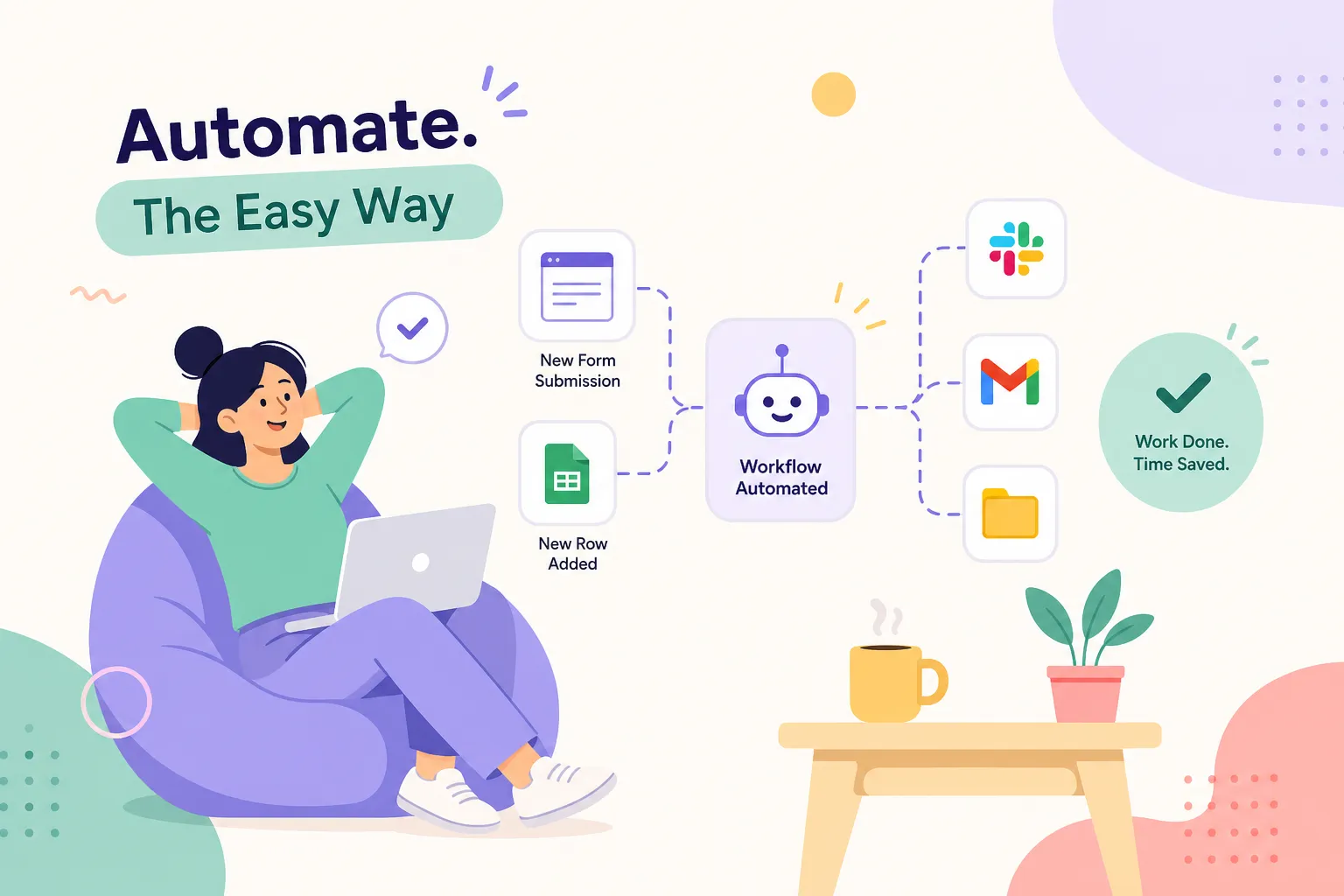
You have sent the same follow-up email eleven times this week. You are still manually copying lead details from your contact form into a spreadsheet. Last Tuesday, a new customer paid via M-Pesa and you forgot to confirm their order until they called. None of these feel like emergencies in the moment, but together they are quietly draining hours from your week and eroding trust with your customers.
If you are asking what is the easiest way to set up workflow automation without a developer, this article walks you through a simple 30-minute plan using no-code tools. Many non-technical business owners can have their first automation running in an hour or less. Kisumu-based tech consultant Alvine Otieno, who has built production systems handling large-scale WhatsApp bot deployments, recommends these tools as the right starting point for businesses that want to scale smart without scaling their headcount. Before you close this tab, you will have a clear answer on which platform suits your situation, how to build your first automation in about 30 minutes, and what it will realistically cost.
Why repetitive tasks are costing your business more than you think
The tasks eating your time every week
Think about what you do manually every week: customer follow-up messages after a purchase, order confirmation emails, adding leads from your contact form into a spreadsheet, appointment reminders. Each task feels minor in isolation, but three occurrences per day across five working days adds up to over 60 manual actions per week. For a Kenyan SME owner running a shop that receives M-Pesa payments, that means WhatsApping every buyer individually to confirm payment. For a service business, it means chasing leads through a shared Gmail inbox that everyone has access to but nobody truly manages.
The real cost is not just time
Every manual task is also a potential failure point. A missed follow-up is a lost sale. A forgotten order confirmation erodes a customer's trust before they have even received what they paid for. Automation removes the human error without removing human judgement: you still decide what the workflow does; the tool simply executes it consistently every single time.
The key insight is that most of these tasks follow a completely predictable pattern. Something happens, a form is submitted, a payment lands, a customer replies, and then something needs to happen next. That trigger-to-action structure is precisely what no-code automation platforms and low-code workflow builders are designed to handle.
What is the easiest way to set up workflow automation without a developer?
The short answer is to use one of three no-code platforms that have made workflow automation accessible enough for non-technical owners. Each sits in the iPaaS no-code category, meaning they connect your existing apps via the cloud without requiring any code. Here is how they compare.
Zapier: the easiest starting point
Zapier connects thousands of apps using simple trigger-action logic. If a new lead submits your Google Form, Zapier adds them to your CRM and sends a welcome email automatically, with no coding required. The template library means you can often deploy a working automation in minutes without building anything from scratch. The trade-off is cost: Zapier's entry paid plan starts at around KES 3,000 per month, which is higher than Make's entry plan. The free tier covers only 100 tasks per month, enough for a very small business testing the concept, but it runs out quickly once the automation is actually being used daily.
Make: the visual builder for smarter workflows
Make (formerly Integromat) uses a drag-and-drop canvas where you can see your automation laid out like a flowchart. It handles multi-step, branching logic far better than Zapier, which makes it the right choice when your workflow needs to behave differently based on conditions. Sending a different message to a VIP customer versus a first-time buyer, or routing a lead to a different team member based on the product they enquired about, are exactly the kinds of scenarios Make handles cleanly. Make starts at approximately KES 1,350 per month, with 1,000 free operations monthly on the free tier. It is more powerful than Zapier and cheaper, though it takes a little longer to learn. When evaluating Zapier alternatives, Make is typically the first platform worth considering.
n8n: the open-source option for the technically curious
n8n is the most flexible of the three for self-hosting and custom development, meaning your data can stay on your own server rather than passing through a third-party cloud. This matters for businesses handling sensitive customer data or payment information. The cloud version starts at around KES 3,000 per month; check n8n's current pricing page for the latest free-tier execution limits, as these are updated periodically. n8n is less intuitive for complete beginners, but for a business with a technical team member or a developer on call, it is an excellent long-term foundation. If you self-host, there are no per-task pricing constraints imposed by the platform, your only ceiling is your server capacity. Among AI workflow builders entering the market, n8n's open architecture also makes it the easiest to extend with custom AI nodes.
Choosing the right tool for your situation
Matching the platform to your comfort level and use case
If you want to start today with zero friction, use Zapier. Its interface is the most forgiving, and you rarely need to build a workflow from scratch because the template library covers most common business scenarios. If your workflows involve conditions and branches, Make handles that logic more cleanly and at a meaningfully lower monthly cost. If your business is growing, your data is sensitive, and you want full control over the infrastructure, n8n is worth the steeper learning curve. The honest summary: start with Zapier, graduate to Make, consider n8n when control matters more than convenience.
A note on M-Pesa and Kenyan business integrations
None of these three platforms have a direct M-Pesa connector built in. You will need to route through an intermediary such as Africa's Talking, which provides a webhook that Make or n8n can pick up and act on. For something straightforward like logging an M-Pesa payment to Google Sheets, a Zapier webhook setup works adequately. For more complex payment flows, validating transaction IDs, creating invoices, and notifying multiple channels simultaneously, Make handles this far more reliably. Its router modules and conditional logic are built precisely for the kind of branching that payment processing requires.
Your 30-minute plan: how to set up workflow automation without a developer
Step 1: define your trigger and your action
Before opening any tool, write your workflow out in plain language: "When X happens, do Y." A real example: "When someone submits my contact form, add their details to my Google Sheet and send them a confirmation email." That one sentence contains everything you need. The contact form submission is your trigger; the Google Sheet entry and the email are your actions. Pick a workflow you perform manually at least three times a week as your first candidate, that is where you will feel the time savings immediately and find the motivation to keep building.
Step 2: connect your apps and map the fields
Sign up for whichever platform you chose. All three have free tiers, so there is no cost to get started. Search the template library for something close to your use case: Zapier and Make both have pre-built templates for workflows like "Google Forms to Google Sheets" or "New lead to Gmail." Select the template, connect your accounts by following the on-screen prompts, and map the data fields. This means telling the tool which form field populates which spreadsheet column, and which details appear in the body of the confirmation email. The platform walks you through each step with prompts.
Step 3: test it, activate it, and walk away
Every platform has a built-in test function. Run it using a real submission or a dummy entry and confirm the data lands exactly where it should. Once the test shows a green status across every step, activate the automation. From that point forward, it runs without you. Your only remaining job is to check in occasionally and adjust the logic if your business needs change, a five-minute task rather than a development project.
What this will cost you
Free tiers and what they realistically cover
  Platform
  Free tier allowance
  Entry paid plan (approx.)


  Zapier
  100 tasks/month
  ~KES 3,000/month


  Make
  1,000 operations/month, 2 active scenarios
  ~KES 1,350/month


  n8n (cloud)
  Check n8n pricing page for current limits
  ~KES 3,000/month
Zapier's 100-task free limit suits a business testing a single simple automation but runs out quickly with daily volume. Make's 1,000 free operations cover a handful of practical automations for a micro-business. n8n's self-hosted option removes the execution ceiling entirely if you can manage a server.
When upgrading makes financial sense
If your automation saves you two hours of manual work per week, that is eight hours per month. Price those eight hours at even a modest rate and the KES 1,350 to 3,000 monthly cost of a paid plan pays for itself within the first billing cycle. A practical rule: if you are consistently hitting your free tier limit, the automation is working, so upgrade rather than switching it off. All three platforms bill in USD, so factor in your bank's foreign transaction fee when budgeting. Annual billing typically reduces the monthly rate by roughly 15 to 20 per cent, though exact savings vary by vendor and plan tier.
When DIY automation hits its ceiling
Signs your workflow has outgrown the templates
No-code tools are genuinely powerful for straightforward trigger-action workflows. You will hit limitations, however, when your business logic becomes specific to your operations. Consider these scenarios:
- A WhatsApp bot that responds differently based on a customer's order history
- A payment flow that reconciles M-Pesa STK push responses against your inventory system in real time
- A multi-channel automation that routes leads based on product type, customer segment, and purchase history simultaneously
At that point, clicking through a visual builder becomes time-consuming, and the pre-built templates no longer fit cleanly. This is also where the boundary between no-code automation tools and custom development becomes relevant.
What a professional automation build looks like
This is where a developer who specialises in workflow automation earns their fee, not by replacing what you have already built, but by taking it further than any template can reach. Alvine Otieno works with businesses that started on DIY tools and have grown to the point where custom automations, proper API integrations, and production-grade reliability are the logical next step. If your workflows are getting complex and the visual builder is starting to feel more like a constraint than a tool, a consultation gets you unstuck faster than weeks of debugging a scenario that is nearly but not quite right.
Start with one workflow, then build from there
The manual tasks that opened this article, the missed confirmations, the follow-up emails you send by hand, the leads sitting in a spreadsheet nobody updates, are not a resource problem. They are a systems problem. Building automations without code is a legitimate operational strategy that thousands of businesses use every day. It is not a workaround; it is how modern businesses run lean.
So, what is the easiest way to set up workflow automation without a developer? Pick one tool, build one workflow, and get it working. Use Zapier if you want the simplest possible starting point, Make if you want more powerful logic at a lower monthly cost, or n8n if you want full control over your data and infrastructure. The compound effect of several small automations running reliably in the background is significant, and it starts with a single 30-minute build.
The aim is not to automate everything by next week. It is to reclaim your time one workflow at a time, freeing you to focus on the work that genuinely requires your attention. And when the automations you have built start bumping against their limits, you will know exactly who to call.
Software engineer writing about the craft of building products on the web.