Top Make (Integromat) Alternatives for Small Businesses
Struggling with Make (Integromat) operation quotas and escalating costs? Discover the best open-source and no-code alternatives like n8n, Activepieces, and Zapier for small businesses. This guide helps you choose based on budget, technical
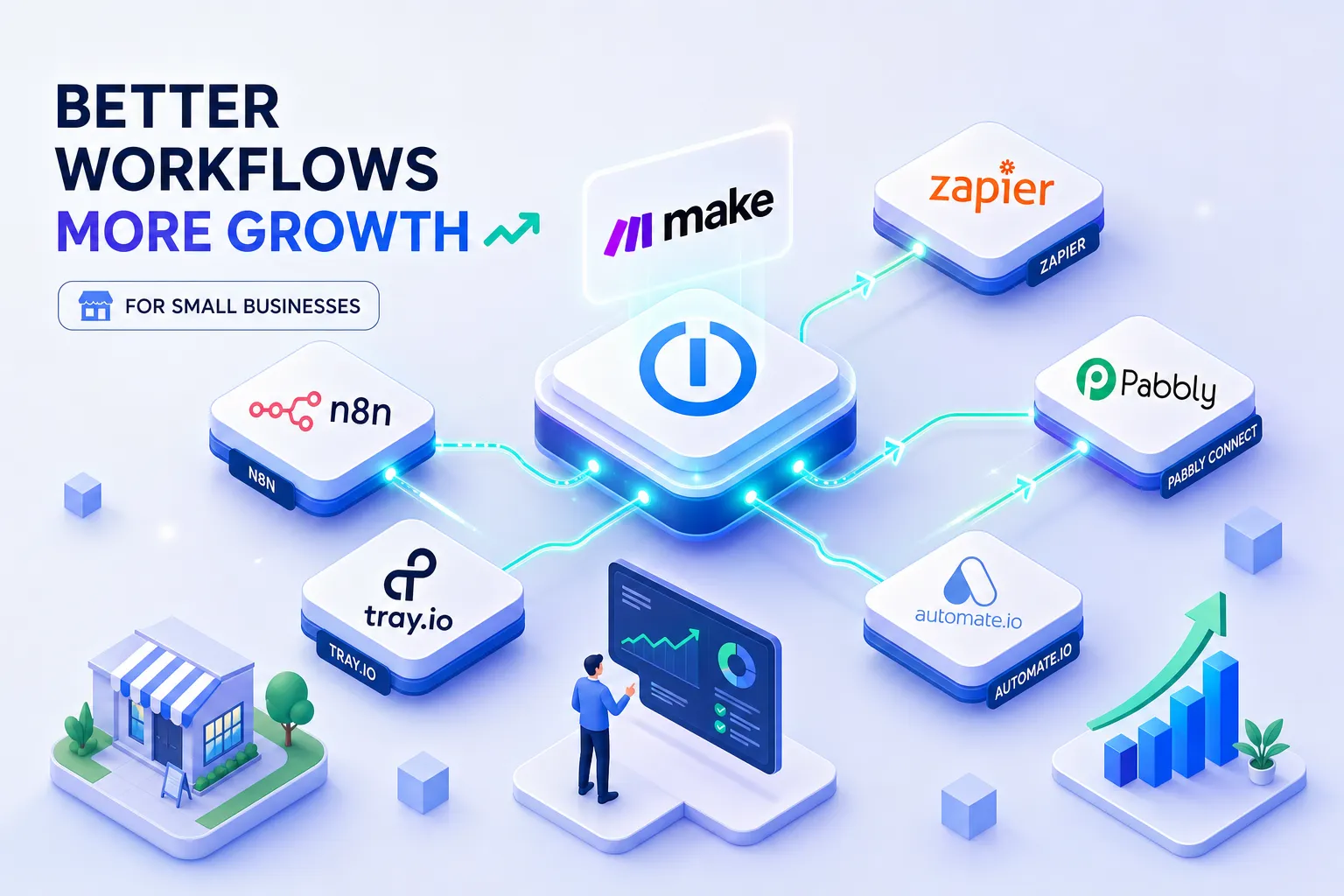
If you are searching for a Make (Integromat) alternative for your small business, you are not alone. Make is a capable automation platform, the visual scenario builder is intuitive, the pricing is reasonable at low volumes, and the integration library covers most common business tools. But it is not the right fit for every business. Operation quotas that climb fast with multi-step workflows, pricing that scales poorly at high volumes, and no genuine self-hosting option are common reasons teams consider alternatives. This guide cuts through the noise and tells you which platform actually fits your situation.
I have spent years building and migrating client workflows across automation platforms, including Make, n8n, and Zapier, as part of my work at Alvine Otieno. This article is a practical guide based on that hands-on experience, not a feature comparison built from marketing pages. By the end, you will know which Make alternative fits your budget, your technical capacity, and your workflow volume, and what it actually takes to move.
Why businesses are moving away from Make in 2026
Make is not broken. Teams outgrow it, and that is a different problem. In conversations with clients reconsidering Make in 2026, the trigger is almost always the same: the operation model. Every module execution inside a scenario counts as a separate operation. A ten-step scenario that runs 500 times a month consumes 5,000 operations, not 500. For businesses running dozens of active automations daily, the maths compounds fast and the monthly bill follows.
When Make's operation limits start to hurt
Make's free plan includes 1,000 operations per month. The entry-level paid plan costs approximately $9/month and extends this, but for businesses with complex, multi-step workflows running at scale, even mid-tier plans can hit their ceiling sooner than expected. A workflow with ten modules firing 300 times a day, for instance, burns through 90,000 operations in a month, well beyond what mid-range plans accommodate. The issue is not that Make is expensive at low volume; it is that the cost curve steepens sharply as automation becomes more central to how the business operates.
What teams in Kenya and East Africa are actually looking for
In my experience working with Kenyan clients, three things consistently top the list: affordable pricing, reliable execution, and integrations that connect with local tools and payment systems such as M-Pesa. A growing number of these teams are also asking about self-hosting, not because they want the complexity, but because eliminating recurring SaaS fees has a real impact on the bottom line. At current exchange rates, even a modest $20/month SaaS tool costs roughly KES 2,600 per month; enterprise-tier pricing can reach KES 30,000 or more. That shift in priorities is what makes understanding the broader Make alternative landscape worthwhile.
Best open-source Make alternatives: n8n and Activepieces
If the goal is to remove recurring tool costs while keeping full control over your data and infrastructure, two platforms stand out. Both are open-source, both support self-hosted deployment via Docker, and both offer visual workflow builders that feel familiar to Make users.
n8n: self-hosted automation with no execution limits
n8n is the most mature open-source workflow automation platform available today, with over 350 native integrations and a node-based visual builder. Running it on your own infrastructure means no monthly execution caps. The licensing model is a Sustainable Use Licence: free for self-hosting, with restrictions only on reselling n8n itself as a managed service. For internal business use, it is fully free. n8n Cloud starts at approximately €20/month (roughly KES 2,800 at current rates) for teams that prefer a managed environment, with around 2,500 executions per month included.
n8n is one of the core tools in my automation stack at Alvine Otieno. I have deployed it for client workflows ranging from WhatsApp bot integrations to M-Pesa payment reconciliation pipelines. The OpenAI API integrates directly, which means teams can add AI-powered logic into their automations without needing an enterprise platform to unlock it.
Activepieces: the MIT-licensed visual builder
Activepieces is a rapidly growing Make alternative in the open-source space, and its licensing gives it a practical edge over n8n for certain use cases. It is fully MIT-licensed, which means unrestricted commercial use, modification, and even white-labelling without purchasing an additional licence. The free cloud plan allows up to 1,000 operations per month; the self-hosted version removes that ceiling entirely. With 200+ integrations and a clean, modern interface, it is particularly well-suited to teams that require permissive open-source licensing for embedding or white-labelling the platform within their own product, something n8n's Sustainable Use Licence does not permit without a commercial agreement.
Deployment and infrastructure: what running these actually requires
Both n8n and Activepieces deploy via Docker, which makes the setup process far less intimidating than it sounds. A basic VPS from DigitalOcean or Hetzner with Docker installed is all the infrastructure you need. For a straightforward setup, one workflow server with basic authentication, most developers are operational within a few hours, though more complete configurations involving SSL certificates, reverse proxies, automated backups, and persistence can take longer. You do not need a dedicated DevOps team. You need someone comfortable with a command line and basic server administration.
Best no-code alternatives for teams that need simplicity
Not every business has a developer on the team, and not every founder wants to manage a server. For teams that need automation to simply work without infrastructure decisions getting in the way, two platforms are worth evaluating: Zapier and Pabbly Connect.
Zapier: the largest app library, at a cost
Zapier connects over 9,000 applications and offers a polished onboarding experience that works well for non-technical users setting up their first automation. The free plan caps at 100 tasks per month and limits workflows to two steps. The Professional plan starts at $19.99/month (annual billing), approximately KES 2,600/month, for 750 tasks, rising steeply as volume grows. For reference, 10,000 tasks per month on Zapier Professional costs approximately $223.50/month (around KES 29,000). Zapier works well for low-volume, simple automations. It becomes expensive quickly once complexity increases.
Pabbly Connect: the budget option with a lifetime deal
Pabbly Connect offers something rare in this market: a lifetime deal pricing option. It supports 2,000+ native integrations, does not charge extra for premium app connectors, and its trigger-and-action builder handles standard automation tasks reliably. The integration depth per application is shallower than Zapier or Make, but for businesses running straightforward workflows, this rarely matters in practice. If you are looking for a cloud-based Integromat alternative that keeps costs predictable without committing to a monthly subscription indefinitely, Pabbly is worth testing before signing up elsewhere.
The real trade-off between simplicity and cost
The decision here is not about features. No-code tools like Zapier and Pabbly remove technical overhead but add ongoing cost. Open-source tools like n8n and Activepieces remove ongoing cost but add technical overhead. The right platform comes down to one question: does your team have someone who can manage a server, or does automation need to work without any infrastructure involvement at all?
Enterprise-grade and AI-native options
For larger organisations running complex, multi-system workflows with strict governance requirements, two platforms sit in a different category: Workato and Microsoft Power Automate. These are not tools for a Kenyan startup on a tight budget. They are included here because some readers are evaluating options at a larger scale.
Workato is an enterprise iPaaS with 1,200+ connectors and deep customisation capabilities. Pricing is custom and quote-based, typically starting above $500/month (roughly KES 65,000). It targets mid-market and enterprise teams with intricate automation needs and strict compliance requirements. Microsoft Power Automate is the practical choice for any organisation already running on Microsoft 365. It integrates natively across the entire Microsoft stack, includes desktop automation capabilities that most web-based tools cannot replicate, and costs approximately $10 to $15 per user per month. For teams already paying for Microsoft 365 licences, the marginal cost of adding automation is low.
Both platforms have embedded AI features for intelligent document processing and dynamic workflow logic. That said, n8n's direct OpenAI API integration means AI-powered automation is not locked behind an enterprise price tag. Small businesses building on n8n can connect their workflows to OpenAI models directly, without needing Workato or Power Automate to do it.
How to choose the right Make alternative for your business
Every platform comparison eventually comes down to four practical questions. Work through these in order, and the right choice becomes clear without needing to test every tool.
Budget: Are you looking for zero recurring tool cost, or can you budget $20 to $50 per month for a managed platform? If the answer is zero, self-hosting n8n or Activepieces is the starting point. If a modest monthly spend is acceptable, n8n Cloud or Zapier Professional are both viable.
Technical capacity: Does your team have someone who can manage a VPS, configure Docker, and handle occasional maintenance? If yes, self-hosting is realistic. If no, a fully managed platform removes that overhead entirely.
Data sensitivity: Do your workflows handle customer data, payment records, or personally identifiable information subject to strict data residency requirements? If so, self-hosting is often the most straightforward path to compliance, many organisations in this position find that keeping data within their own infrastructure simplifies legal and regulatory obligations significantly. Enterprise SaaS providers do offer compliance programmes (SOC2, data residency options), but verify with your legal or compliance team before relying on a third-party processor for sensitive data.
Workflow volume: How many automation runs do you expect per month? As a rough guide based on plan limits: under 1,000 runs with simple two to three step workflows is well-served by Zapier's entry tiers or Pabbly Connect. High-volume operations with complex logic suit n8n self-hosted or Activepieces, where there are no execution ceilings to worry about.
What migrating clients between platforms actually reveals
No single platform wins across all four criteria. In my experience, small businesses in Kenya with a developer available tend to land on n8n self-hosted for cost efficiency. Solopreneurs and non-technical teams lean toward Zapier or Pabbly Connect, accepting the recurring cost in exchange for removing infrastructure decisions from the picture. These outcomes reflect the actual client migrations I have handled, your situation may differ, but the pattern is consistent enough to be a useful starting point.
What migrating from Make actually involves
The migration reality is straightforward but unforgiving: no automated tool exists for moving Make scenarios to any other platform. The only official migration tool ever built was designed for moving from Integromat to Make. The reverse direction has no equivalent, and no community-built converter currently bridges the gap.
Why there is no one-click migration tool
Every module, trigger, data transformation, and action in a Make scenario must be manually mapped and rebuilt in the target platform. The module structures differ significantly between platforms, so a direct translation is not possible even with AI assistance. This is not a reason to avoid migrating; it is important context for planning the timeline and allocating the right resources before starting.
How to approach rebuilding workflows without disruption
The practical approach follows a clear sequence:
- Export existing Make blueprints as JSON for reference.
- Audit all active scenarios by business impact, prioritising the ones that touch revenue or customer communications.
- Rebuild and test the highest-priority workflows in the new platform first.
- Run both platforms in parallel for one to two weeks before switching off the original.
API mapping is the most time-intensive step. Having clear documentation of what each scenario does, what it triggers, what it transforms, what it sends, makes this process significantly faster. Teams that cannot articulate what their automations do before migrating will spend most of their time reverse-engineering their own workflows.
When it makes sense to bring in outside help
For businesses with ten or more active scenarios, or complex multi-step workflows with branching logic and error handling, a migration is not a weekend project. The cost of a broken automation in production, missed customer communications, failed payment reconciliation, lost leads, often exceeds the cost of bringing in someone who has done this migration before. If you are at that point, a structured migration with proper parallel testing and documentation is worth the investment.
Picking the right platform and moving forward
n8n and Activepieces are the strongest choices for self-hosted, cost-efficient automation with no execution limits, the leading Make alternatives for teams that want infrastructure control. Zapier and Pabbly Connect suit teams that need simplicity and are willing to pay a monthly fee to avoid managing servers. Workato and Microsoft Power Automate serve enterprise-scale organisations with complex governance requirements and existing Microsoft ecosystems.
The best Make (Integromat) alternative is not the most feature-rich platform. It is the platform that matches your team's budget, technical capacity, and workflow volume. Start with the four decision questions above, identify which applies most strongly to your situation, and pick the platform that answers it clearly. Then test with one workflow before committing to a full migration.
If you are running more than ten active Make scenarios and want to migrate without breaking anything in production, this is exactly the kind of project I handle at Alvine Otieno. Whether you need a full workflow audit, a migration plan, or someone to rebuild your scenarios in n8n from the ground up, reach out and we can map out a practical path forward before you touch a single live workflow.
Software engineer writing about the craft of building products on the web.