WhatsApp API integration explained for Kenyan businesses
Unlock the power of WhatsApp API for your Kenyan business. This guide covers everything from understanding the API's capabilities to deployment options, Meta onboarding, and sending your first message.
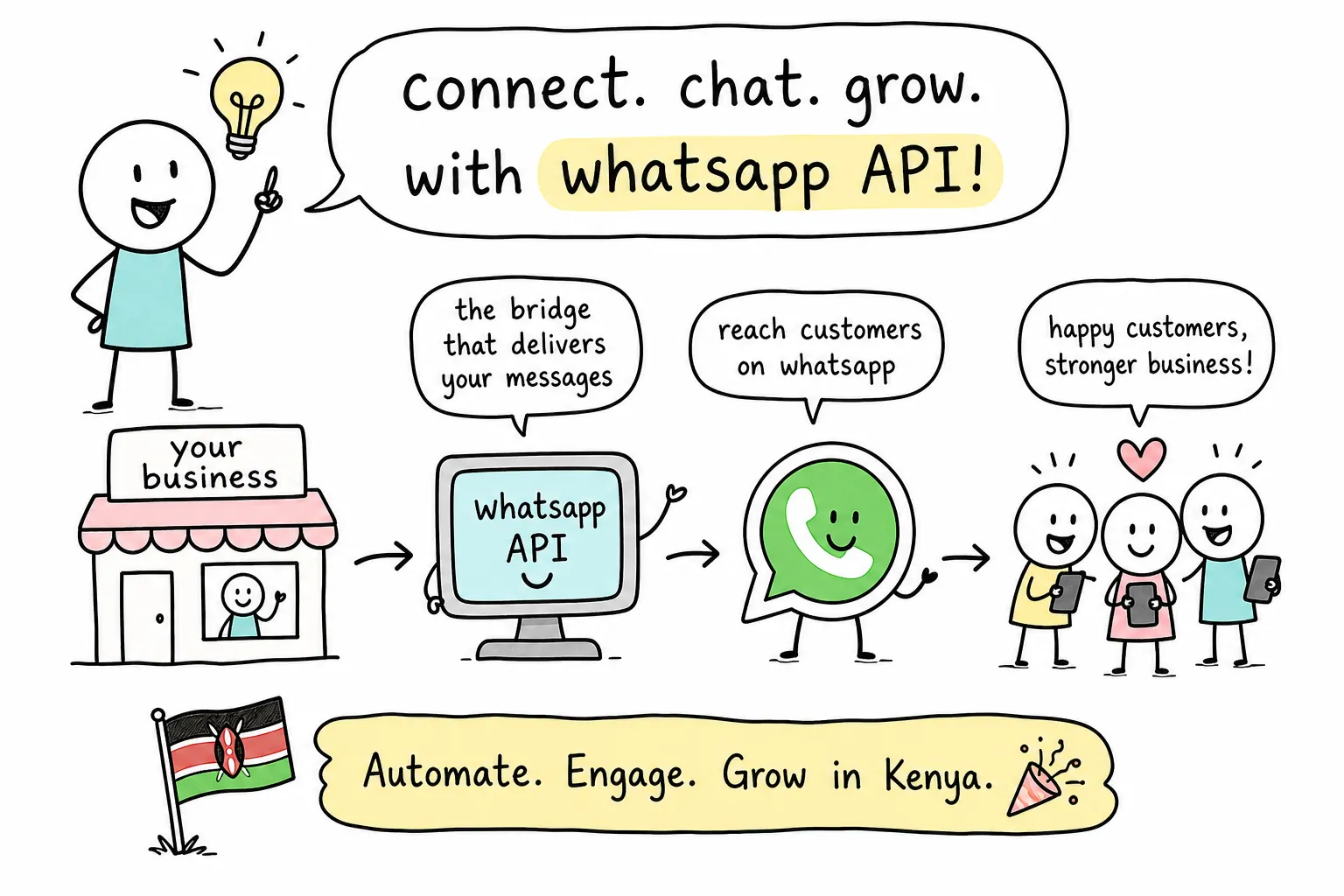
Most Kenyan business owners who ask about "WhatsApp for business" are thinking about the app on their phone. The one with the green icon. The one where a single employee sits and types replies all day. That tool and WhatsApp API integration are completely different things, and confusing the two costs real money in missed opportunities and manual labour.
The WhatsApp Business API, formally the Meta WhatsApp Business Platform, gives your software programmatic access to WhatsApp's messaging layer. Messages flow through code, not a phone screen. Your system can receive messages, trigger logic, connect to payment systems like M-Pesa, and send pre-approved replies without a human in the loop. That infrastructure is what makes serious automation possible. Alvine Otieno, a Kisumu-based developer who builds WhatsApp bots and workflow automations, has run WhatsApp API integrations on this exact foundation that have processed over 50,000 events in production. This guide covers everything you need to go from zero to a working integration.
What the WhatsApp API actually does that the Business App cannot
The WhatsApp Business App is a manual tool. One person, one device, one inbox. When that person is unavailable, customers wait. When message volume grows past a hundred a day, the whole system breaks down. The API removes that ceiling entirely by letting your code handle the messaging layer directly.
With a live WhatsApp API integration, your system receives inbound messages through webhooks, sends pre-approved template messages for alerts, reminders, and follow-ups, and handles interactive button replies. You can attach PDFs, images, and audio files. You can wire it to n8n for workflow automation, to OpenAI for intelligent replies, or to any backend logic your business needs. This is the difference between a customer support inbox and an actual business product built on WhatsApp.
Cloud API vs. on-premise: choosing the right path
Meta offers two deployment paths. The Cloud API is hosted entirely on Meta's servers. Meta handles scaling, certificates, maintenance, and uptime. Your team writes the integration code and nothing else. The On-Premise API is a self-hosted, containerised solution where your team manages the server, certificates, scaling, and monitoring. Meta now considers On-Premise a legacy option and explicitly recommends Cloud API as the default for all new implementations.
The numbers make the choice straightforward. Cloud API supports up to 1,000 messages per second versus 250 for On-Premise. It receives new Meta features earlier. It costs nothing to host on your side because Meta runs the infrastructure, though conversation-based pricing still applies. On-Premise adds server costs, IT overhead, and Business Solution Provider (BSP) dependency that pushes monthly expenses from roughly $100 on Cloud API to $500 or more. Unless your business operates in a heavily regulated industry with strict data sovereignty requirements, Cloud API is the right choice.
Meta onboarding, step by step, for Kenyan businesses
Before you touch any form, gather your documents. You need a registered business entity, not a personal account. That means your Certificate of Incorporation or BRS certificate and your KRA PIN certificate. You also need a Facebook Business Manager account at business.facebook.com, a dedicated phone number that is not currently active on any WhatsApp app, and a business website or active Facebook Page. Your WhatsApp display name must follow Meta's naming policy; avoid generic terms like "Chat" or "Support" in the name.
Most Kenyan businesses start through an authorised BSP rather than applying to Meta directly. The BSP walks you through Meta's Embedded Signup, which connects your WhatsApp Business Account (WABA) to your verified Business Manager. Business verification typically takes three to seven business days, though businesses guided by a local BSP often complete it in 48 hours. Once verification clears, you add your phone number and Meta sends an OTP via SMS or voice call. After you confirm that code, the number is API-linked and can no longer be used on the standard WhatsApp app.
Before you can send any outbound message outside a 24-hour customer service window, you must submit message templates for Meta to review. Templates fall into three categories: Marketing, Utility, and Authentication. Each has distinct pricing and content rules. Approval typically takes a few hours to two days, and you cannot send templated messages until Meta clears them. Keep your KRA PIN and Certificate of Incorporation consistent across all documents; discrepancies are the most common reason Kenyan businesses face delays.
Authentication, webhooks, and sending your first message
Authentication to the WhatsApp Cloud API uses a Bearer token from your Meta Developer Portal app. For local development, store your credentials in a .env file with three variables: your access token, your phone number ID, and a custom webhook verify token you define yourself. Install axios, dotenv, and express via npm. For production deployments, generate a permanent System User token from your Business Manager rather than using the temporary token Meta provides during setup. Follow these steps:
- Go to Business Settings in your Meta Business Manager.
- Create a System User with the Admin role.
- Assign your app as an asset with Full Control.
- Select the whatsapp_business_management and whatsapp_business_messaging permissions.
- Set the token expiry to Never.
- Copy and store the token immediately, Meta does not show it again.
Meta delivers every inbound message, delivery receipt, and read notification to a webhook URL you register in the Developer Portal. Your server needs two endpoints on the same path. A GET handler returns Meta's hub.challenge value only when the hub.verify_token matches your environment variable; this is how Meta confirms your endpoint is legitimate. A POST handler receives the actual event payload and must return HTTP 200 immediately, before any processing, to prevent Meta from retrying the delivery. One critical security step many developers overlook: verify the X-Hub-Signature-256 header on every POST. Meta signs each payload using HMAC-SHA256 with your App Secret, and checking that signature using a constant-time comparison function is the only reliable way to reject spoofed requests. For local testing, expose your machine with ngrok and paste that URL into the Meta Portal's webhook configuration.
Sending a template message is a single POST request to https://graph.facebook.com/v18.0/{PHONE_NUMBER_ID}/messages. The payload sets messaging_product to whatsapp, type to template, and includes the template name, language code, and a components array for any dynamic variables, such as an OTP code injected into the message body. The Authorization header carries your Bearer token. Keep your template name and component structure aligned exactly with what Meta approved, or the message will fail silently with no useful error.
BSPs, direct access, and what WhatsApp API integration costs in Kenya
A Business Solution Provider sits between your business and Meta's API. BSPs provide dashboards, managed onboarding, shared inboxes, and support, which is useful when your team has no developer to manage the integration. Going direct with Cloud API and your own code gives you full control, lower cost, and no platform markup. For Kenyan businesses with a developer or a tech partner, direct Cloud API access is almost always the better long-term decision.
When a BSP makes sense, the local options vary on price and support structure. CELCOM Africa starts from KES 1.12 per conversation with 24/7 Nairobi-based support and CAK compliance. Africa's Talking targets developers and runs KES 8 to 15 per conversation. Twilio offers broad developer flexibility but carries higher costs for Kenya, running KES 85 to 140 per conversation with no local support team. 360dialog charges a flat €49 per month with no per-message markup, which can work out competitively at high volume if you build your own tooling and do not need a managed dashboard.
It is worth understanding Meta's pricing categories before you choose a path. As of 2026, Marketing messages cost roughly KES 5.20 per message, Utility messages around KES 0.80, and Authentication messages around KES 0.50. Service messages, replies within the 24-hour window after a customer contacts you, are free. The first 1,000 service conversations per month per account are also free. These rates apply before any BSP markup and will directly affect how you structure your messaging strategy.
Compliance you cannot skip: templates, consent, and Kenya's data law
Every outbound marketing or utility message requires a pre-approved template. Sending free-form promotional content outside the 24-hour service window will fail at delivery and can trigger rate-limiting or a permanent ban on your number. More critically, you must collect explicit, documented opt-in consent from every contact before sending them anything. Purchased lists are prohibited and will get your account permanently banned. Every outbound promotional message must include a clear opt-out mechanism, and anyone who opts out must be added to a suppression list immediately.
Kenya's Data Protection Act (2019), administered by the Office of the Data Protection Commissioner, applies directly to WhatsApp-based customer messaging. You need a lawful basis for processing phone numbers, typically explicit consent. From that point, specific obligations follow. You must apply purpose limitation: a number collected for delivery notifications cannot be reused for marketing without separate consent. Document retention schedules, sign Data Protection Agreements with any processors including your BSP, encrypt data in transit and at rest, and restrict access using role-based controls. A published privacy policy that covers your WhatsApp data practices is not optional. Non-compliance carries ODPC penalties on top of WhatsApp account suspension.
Building it properly from the start
WhatsApp API integration is not as complicated as it looks once you understand the architecture. Choose Cloud API, get your business verified with the right Kenyan documents, register your number, configure your webhook with proper signature verification, submit your templates, and connect your backend logic. Done correctly, the result is a production-grade messaging layer your business controls completely, one that scales without adding headcount.
If you want to see what a fully built WhatsApp API integration looks like in the real world, handling M-Pesa payments, AI-powered responses, and event flows at serious volume, reach out to Alvine Otieno to explore what a custom build could do for your business. The same foundation described in this guide powers integrations already processing tens of thousands of events in production, and getting your first integration live is faster than most business owners expect.
Software engineer writing about the craft of building products on the web.