WhatsApp Bot Development: A Production-Ready 2026 Guide
Learn to build production-ready WhatsApp bots in Kenya. This guide covers Meta Cloud API setup, webhooks, AI integration, and hosting for developers and businesses.
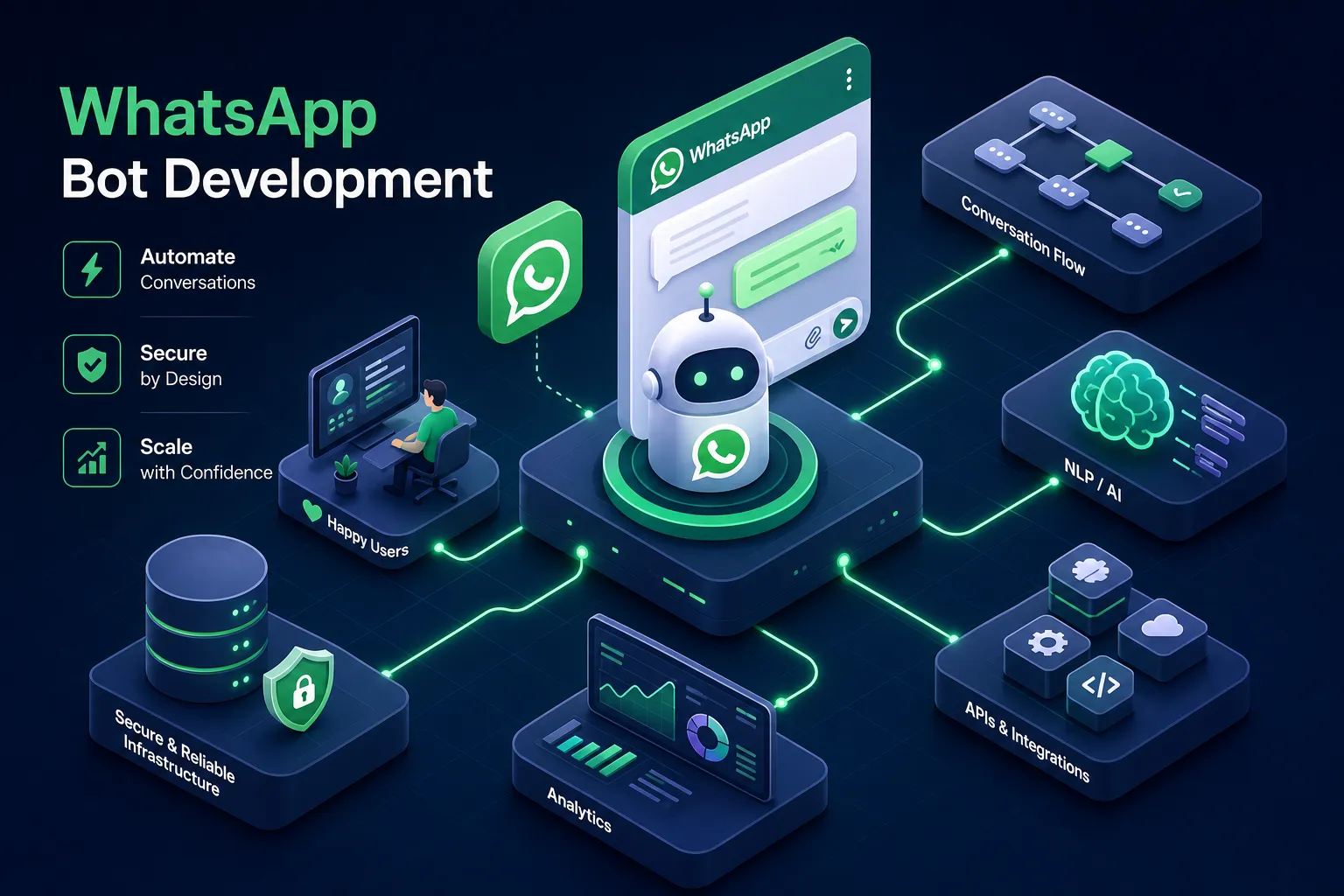
Kenya has one of the highest WhatsApp adoption rates in the world, with over 97% of smartphone users active on the platform daily. Businesses that want to scale customer communication are turning to WhatsApp bot development as the practical answer, not a luxury experiment. One of the bots built by Alvine Otieno using the exact stack described in this guide has processed over 50,000 real-world events in production, handling registrations, confirmations, and follow-ups without a single human operator managing the queue.
This is a complete, end-to-end walkthrough covering Meta Cloud API setup, webhook code, AI integration, and hosting. It is written for developers, tech-savvy SME owners, and anyone who wants a working bot rather than a theory lesson. Whether you are exploring WhatsApp chatbot development for the first time or looking to move an existing automation into production, by the end you will have a concrete plan you can act on immediately.
Cloud API or BSP: how to choose your access route
The Meta On-Premises API is fully deprecated as of 2025, which means every WhatsApp bot development project in 2026 starts with the Cloud API. The only decision is whether you access it directly or through a Business Solution Provider (BSP), and that choice has real cost implications for Kenyan SMEs.
Direct Cloud API access costs nothing in platform fees. You get full control over webhook logic, data handling, and integrations, and you receive new Meta features first, including Interactive Lists, Flows, and WhatsApp Payments. The trade-off is that there is no pre-built inbox, no campaign manager, and no CRM connectors; everything requires custom code. This makes it the right choice for developers, agencies, and businesses with a technical partner.
BSPs like Twilio, 360dialog, and Wati layer a no-code interface on top of the same underlying API. They charge platform fees ranging from $49 to $500+ per month, plus a per-message markup on Meta's base rates. That cost is justified only when the business genuinely needs a shared inbox or pre-built Shopify and HubSpot connectors with zero developer involvement. For most Kenyan SMEs working with a developer, direct WhatsApp Business API integration via the Cloud API is the cheaper and more powerful path.
Meta's four conversation categories determine your monthly spend, so get this right from the start. Marketing is the most expensive, Utility is cheaper, Authentication is the cheapest of the paid tiers, and Service messages are free for the first 1,000 per month. A small business sending 500 utility conversations a month spends less than $10 in Meta fees; the real cost is developer time to build and maintain the bot.
Setting up credentials and registering your phone number
Day one of any production WhatsApp bot project follows the same setup sequence. Start at the Meta Developers portal, create a new app, and select "Business" as the app type. Add WhatsApp as a product and accept the platform terms. Meta provides a test number for free, but for production you register your own.
The phone number you register must not be linked to any existing WhatsApp account, personal or Business App. If it is, delete that account first through WhatsApp Settings before proceeding. Add the number, enter the business display name (this is what users see in their chat), and verify via OTP through SMS or voice call. Choose the display name carefully; it represents your business to every user who receives a message, and changing it later requires another review cycle.
Once verified, the App Dashboard shows three values: the Phone Number ID, the WhatsApp Business Account ID (WABA ID), and a temporary access token. Never use the temporary token in production. Create a System User in Business Settings, assign WhatsApp permissions with Full Control, and generate a permanent token with expiry set to Never. Copy it immediately, Meta only displays it once. Store the token, Phone Number ID, and WABA ID as environment variables; hardcoding them in your codebase is a serious security risk that will cost you later.
WhatsApp bot development: building the webhook server
Webhook verification
The webhook is the engine of any WhatsApp bot. Meta sends all incoming messages to your webhook URL as POST requests, and your server must respond, process the content, and fire a reply back through the Graph API.
Webhook verification comes first. When you register your URL, Meta sends a GET request containing a hub.verify_token and a hub.challenge. Your server must return the challenge value only when the verify token matches your own custom string. The endpoint must be publicly accessible over HTTPS; Ngrok works for local testing, but production requires a proper VPS or cloud URL.
Parsing incoming messages
For the POST handler in Flask (Python), extract the message from entry → changes → value → messages, parse the sender number and message body, then call the reply function. The Node.js equivalent with Express follows identical logic. Always return a 200 OK immediately, even before your processing logic runs; Meta retries failed deliveries, which causes duplicate message handling at scale. The bots that have handled 50,000-plus events follow one consistent pattern: the webhook handler stays thin, parsing only, and delegates all business logic to separate service functions.
Sending a reply is a POST to https://graph.facebook.com/v22.0/{PHONE_NUMBER_ID}/messages with messaging_product: "whatsapp", to, and the message content as the payload. Template messages use a different payload structure with type: "template" and component parameters, which is the format required for any proactive outreach outside the 24-hour customer service window.
Adding AI intelligence and workflow automation
A basic echo bot is not a product. The step that turns a webhook into a useful business tool is connecting an LLM and an automation layer that gives the bot genuine decision-making capability.
For AI replies, parse the incoming message and send the text to the OpenAI Chat Completions API with a system prompt that defines the bot's role and guardrails. The returned content goes directly to the reply function. For cost control on high-volume bots, use GPT-4o-mini and cap max tokens; at 50,000 events the per-token cost is manageable but needs monitoring. Always include a system prompt that instructs the model to stay on topic and respond in the user's language, which is especially important for bots serving both English and Swahili speakers in Kenya.
For bots that need to interact with CRMs, spreadsheets, databases, or payment APIs, n8n provides a cleaner architecture than cramming all logic into the webhook server. The webhook receives a message, passes it to an n8n workflow via an HTTP call, and n8n handles conditional routing, data lookups, and external API calls. This keeps the webhook server stateless and easy to maintain. Self-hosted n8n on a cheap VPS keeps costs low and data in your control, which also supports compliance with Kenya's Data Protection Act 2019 data residency requirements.
For Kenyan businesses, the most powerful use case on any WhatsApp automation platform combines conversational UX with M-Pesa Daraja API payment confirmation. A customer places an order via WhatsApp, receives an STK push, and the bot confirms payment automatically once the Daraja callback fires. This flow eliminates the need for a human to manually verify M-Pesa payments, which is the single most time-consuming task for most Kenyan e-commerce operations.
Message templates: submission, approval, and common rejections
Any message your bot sends outside a 24-hour customer service window must use a pre-approved template. Getting templates right is one of the most underestimated parts of building a production WhatsApp bot, and mistakes here can stall an entire launch.
Templates have a name, a category (Marketing, Utility, or Authentication), a language, and a body with sequential numeric placeholders formatted as {{1}}, {{2}}, {{3}}. Submit through Meta Business Manager or your BSP's dashboard and provide sample values for every placeholder. Category choice is the single most critical decision: placing promotional content inside a Utility template is the fastest path to rejection and a delayed launch.
Automated review typically completes in under 30 minutes. Human review, triggered by policy-sensitive language or first-time submissions, can take 24 to 48 hours. Most Kenyan businesses get their first template approved within a few hours if the content is clear, on-brand, and matches the declared category.
The most common rejection reasons are worth knowing before you submit:
- Non-sequential placeholders (using {{1}}, {{2}}, {{4}} instead of {{1}}, {{2}}, {{3}})
- Vague body text with no clear business context
- Policy violations around gambling language or broken URLs
"Hi {{1}}, click here" gets flagged; "Hi {{1}}, your booking at {{2}} is confirmed for {{3}}" does not. Most rejections are resolved on the second attempt by revising specifically based on the rejection reason code Meta provides in the dashboard.
WhatsApp bot development: hosting, deployment costs, and scaling for Kenyan SMEs
A working bot needs a stable home. For most Kenyan SMEs, the right starting point is Docker on a managed VPS. Truehost starts at KES 500, 560 per month: deploy your Flask or Express app in a container, point a domain at it, and you are live. This is the simplest path with the lowest cost, and it handles the traffic volume of most small businesses without issue.
For bots handling consistent, growing traffic, a Container PaaS like Google Cloud Run or AWS Fargate scales automatically and bills per request, costing roughly KES 700, 1,500 per month at low volume. Avoid Kubernetes until you genuinely need complex microservice orchestration; it adds significant operational overhead for small teams and is rarely justified before you are running multiple interconnected services at scale.
Before announcing the bot to users, work through this WhatsApp bot development checklist:
- Replace all temporary tokens with permanent system user tokens stored in environment variables
- Confirm the webhook URL is registered and returning 200s consistently before any traffic arrives
- Set up basic logging and error alerting, at minimum an email or Slack notification when the webhook returns a non-200 response
- Test every approved template with a real phone number before going live
At the scale of 50,000 events, the infrastructure cost on a Docker VPS remains under KES 2,000 per month. The compute is cheap; the value is in the business logic the bot executes. Monitor your Meta conversation usage weekly in the first month, track Marketing conversation spend separately if you run outbound campaigns, and keep Utility and Service conversations as the default for cost control.
Ready to ship
Production WhatsApp bot development follows a clear sequence: choose your API access route, set up credentials properly with a permanent system user token, and build a thin webhook server that delegates logic cleanly. From there, connect AI and n8n automation where they add real value, get templates approved before you need them, and deploy on infrastructure sized for your actual volume. None of this requires a massive team or a massive budget; the stack described here runs comfortably on KES 2,000 a month in infrastructure costs.
The architecture in this guide is not theoretical. It is the same stack powering bots that handle real registrations, real M-Pesa payment confirmations, and real customer queries for businesses operating across Kenya and the US. The 50,000-plus events figure is not a benchmark from a stress test; it is production traffic from real users on a real product.
If you want this built and running without doing it yourself, Alvine Otieno builds production WhatsApp bots, including AI-connected and M-Pesa-integrated systems, for clients across Kenya and the US. Need help with WhatsApp bot development for your business? Reach out through alvineotieno.com and get a bot that handles real events, not just test messages.
Software engineer writing about the craft of building products on the web.