WhatsApp Business Kenya: Setup, Features and Growth Guide
Unlock the full potential of WhatsApp Business in Kenya. Learn to set up, use key features like Catalog and Broadcasts, and grow your sales. Includes practical tips for Kenyan SMEs.
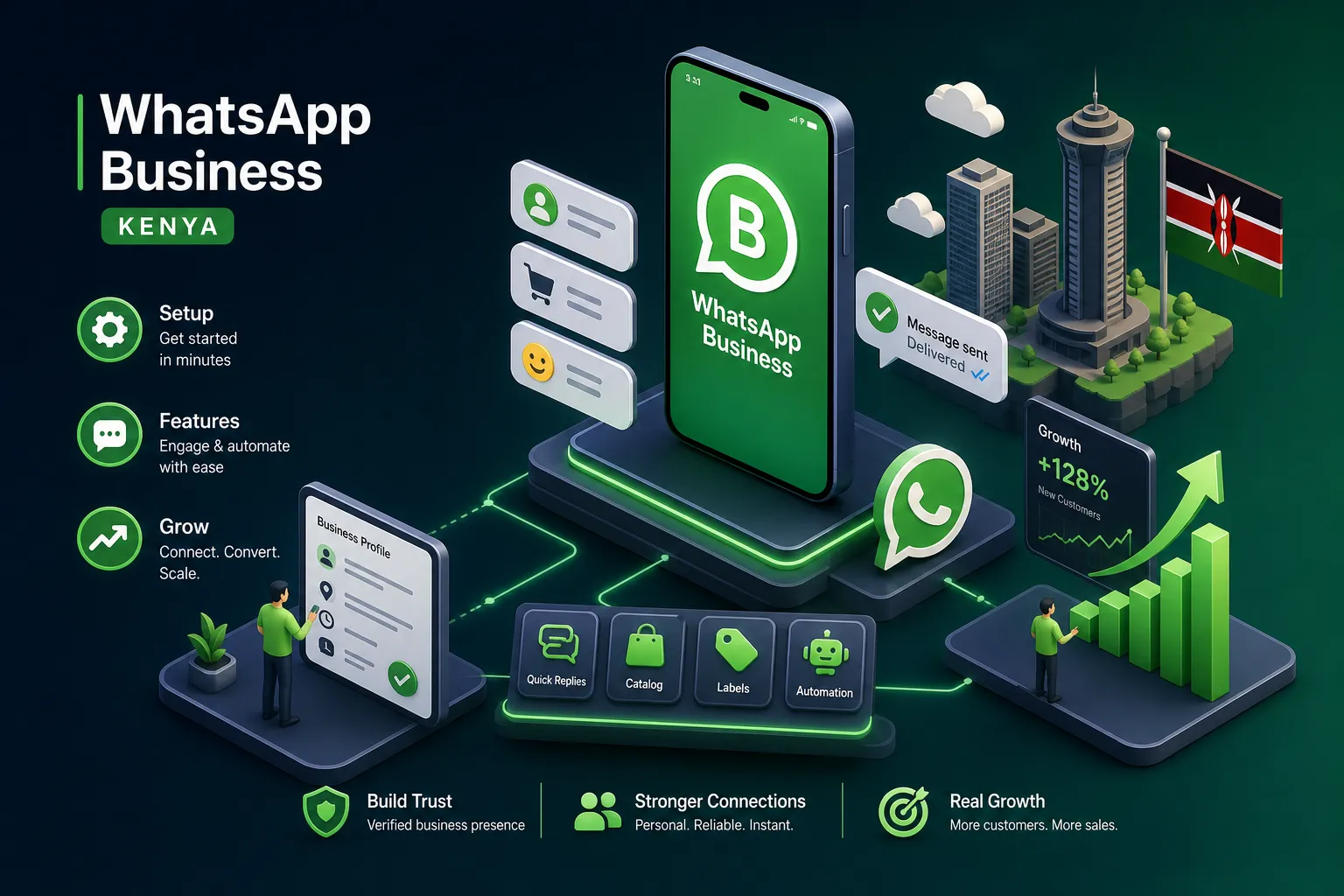
A Nairobi bakery sent one broadcast message on Valentine's Day and received 47 enquiries. Thirty-one converted to orders worth KES 93,000. A Nakuru farmer now generates KES 300,000 monthly selling produce to Nairobi customers entirely through WhatsApp. If you are reading this guide on WhatsApp Business Kenya, chances are you already sense that the app can do more for your business than you are currently asking of it. These are not marketing stories. They are what happens when a business stops treating WhatsApp like a chat app and starts treating it like a sales channel.
Many Kenyan SMEs have WhatsApp Business installed but are doing very little with it. They answer customer questions, maybe share a price list in a group, and call it a day. The catalogue sits empty. Broadcasts go unused. Quick replies are never configured. This guide fixes that. You will learn how to set up WhatsApp Business in Kenya correctly, which features actually generate revenue, how broadcasts work, when the standard app is no longer enough, and how to pick a provider when you are ready for the API.
How to download and set up WhatsApp Business on your Kenyan phone
WhatsApp Business is a separate app from regular WhatsApp. On Android, open the Google Play Store and search for "WhatsApp Business." Look for the green icon with a "B". That is the one you want. On iPhone, open the Apple App Store and search for the same name. The app is free, and there are no hidden charges at this stage.
When registering your number, select Kenya from the country list and the app fills in the +254 country code automatically. If your number is 0712 345 678, enter it as 712 345 678. Drop the leading zero. WhatsApp sends a six-digit verification code via SMS. If it does not arrive within the countdown timer, tap "Call me." Delivery reliability can vary by network, so the call option is a useful fallback on both Safaricom and Airtel lines.
Your business profile is the first thing a customer sees before they send you a message. Fill in every field: your business name (this cannot be changed easily later, so get it right), your category, a clear description of what you sell or do, your address or service area, and your opening hours. Add your logo as the profile photo. A complete profile with correct hours and a professional image tends to build trust quickly and encourage first-time visitors to send an enquiry. One practical tip: use a dedicated Safaricom or Airtel line exclusively for business so customer conversations never mix with personal chats.
WhatsApp Business Kenya: the features that actually move sales
Catalogue
The catalogue is one of the most underused features on the platform. WhatsApp Business supports up to 500 products, each with a photo, price, and description. When the Nairobi bakery mentioned above set up their catalogue with prices in Kenyan shillings and M-Pesa payment details included in each product description, the number of back-and-forth messages before a sale dropped from nine to three. That is the direct result of giving the customer what they need to make a decision without asking for it.
Quick replies
Quick replies solve a different problem: typing the same thing thirty times a day. You save a full message once and trigger it with a "/" shortcut. Kenyan businesses commonly set up shortcuts like /price, /mpesa, /delivery, and /hours. When a customer asks about your M-Pesa paybill number, you type /mpesa and the full payment instructions appear instantly. Quick replies work in both individual and group chats, making them useful across different business models.
Labels and automated messages
Labels and automated messages complete the picture for organised customer management. Labels let you tag conversations: New Lead, Awaiting Payment, Order Confirmed, Delivered. This turns your WhatsApp inbox into a lightweight CRM without any third-party tool. Pair this with an away message for after-hours enquiries and a greeting message for first-time contacts, and your business looks professional even when you are asleep. A customer who sends a message at 11 pm and gets a clear, friendly automated response is far more likely to return in the morning than one who gets silence.
Broadcast lists: reaching many customers without a group
A broadcast sends one message to multiple contacts privately. Each recipient sees it as a personal message from you, not as part of a group thread. This is the detail many Kenyan business owners miss. There is no public thread, no other customers seeing replies, and no group dynamic to manage. It reads like you sent it directly to that one person.
There is one important condition: your contact must have saved your number to receive the broadcast. Make saving your number part of every first interaction. Include a line like "Save this number for updates and order confirmations" in your first message or on your receipts. Without that saved number, your broadcast never arrives.
The structure of a high-converting broadcast is simple: one clear offer, a direct call to action, and a sense of urgency tied to a real event. A Madaraka Day sale, a product restock, the end of the month. The Valentine's Day broadcast that generated KES 93,000 worked not because the bakery had thousands of contacts, but because the message was specific, timely, and made it easy for the customer to act. Space your broadcasts around M-Pesa pay cycles, roughly the 25th of one month through to the 5th of the next, when customers have money to spend. Avoid blasting your entire list every week or contacts will mute or block your number.
The WhatsApp Business app limits broadcasts to 256 contacts per list. That ceiling feels distant when you are starting out, but it becomes a real constraint once your business grows. When you hit it, that is your natural signal to look at the API.
WhatsApp Business Kenya: upgrading to the API
The API removes the 256-contact limit, supports multiple agents on one number, enables CRM integration, allows message templates for proactive outreach, and unlocks the verified green tick. The app is for getting started. The API is for businesses processing volume that need infrastructure, not just a phone app.
Pricing is per message. Based on Meta's published USD rates converted at approximately KES 130 to the dollar as at mid-2026, marketing messages in Kenya cost roughly KES 2.93 to KES 3.04 per message, while utility messages such as order updates and receipts cost around KES 0.52 per message. In practice, your final cost will vary because BSPs apply their own exchange rates and fees, always confirm current rates directly with your chosen provider. Service messages, meaning replies to customer-initiated conversations, are free within a 24-hour window under Meta's current policy, though Meta does revise its pricing structure periodically, so check Meta's pricing documentation before committing to a plan.
To apply, you cannot go directly to Meta. You must work through a Meta Business Solution Provider (BSP). Before that, you need a legally registered business, either a Certificate of Incorporation or a BRS certificate, a KRA PIN certificate, and an active Facebook Business Manager account with Business Verification completed. You also need a dedicated phone number not currently registered on any WhatsApp account, and an accessible business website. Go to the Security Centre in Meta Business Manager, click Business Verification, upload your documents, and expect a turnaround of three to seven business days. The most common reason for rejection is a mismatch between the business name on your registration documents and what you entered in Meta Business Manager. They must match exactly.
For local BSPs in Kenya, Celcom Africa is a well-established official Meta partner offering billing in Kenyan shillings, Nairobi-based support, and setup fees of around KES 15,000 per number with monthly plans from KES 15,000. HelloDuty starts at approximately KES 9,500 per month and is suited to small and medium-sized businesses. Chach-a offers starter plans from around KES 2,499 for businesses that want to test the waters before committing to larger plans. Note that all figures are indicative, provider pricing changes frequently, so confirm current rates directly before signing up. Prioritise BSPs that offer local billing, support during Kenyan business hours, and compliance with Communications Authority of Kenya requirements. Setting up a BSP account gives you API access. Building the automation logic, webhooks, and CRM integrations around it often requires a developer.
Real results from Kenyan businesses that got serious about WhatsApp
Kipkoech, a small-scale farmer in Nakuru, sells produce to Nairobi customers entirely through WhatsApp. Within three months of using the platform consistently, he recorded a 50% increase in sales, reaching KES 300,000 in monthly revenue while spending 30% less time on marketing. What changed was not complicated: consistent broadcast updates on available stock, quick replies for pricing enquiries, and a clear M-Pesa payment process. No website, no dedicated app, no complicated third-party tools. Just disciplined use of what WhatsApp Business already provides.
A Kisumu agribusiness took the next step and integrated the WhatsApp Business API with a chatbot. Their response time dropped from hours to seconds, and sales conversions increased by 40% through personalised seasonal promotions. A Nairobi e-commerce retailer recovered 30% of abandoned carts using WhatsApp re-engagement messages, with open rates hitting 90% on flash sale broadcasts. A Westlands salon cut its no-show rate by 40% using automated appointment reminders and improved its Google rating from 3.8 to 4.6 within 90 days. These examples reflect commonly reported outcomes when businesses apply consistent, structured usage across different industries.
When the standard app is no longer enough
The signs are specific. You are managing more than 200 customer conversations a week manually. Your team is copying and pasting the same messages across multiple chats. You need more than one person handling the same number simultaneously. You are losing track of which customers have paid and which have not. These are not growth problems you solve by working harder. They are systems problems with a clear solution.
A custom WhatsApp AI bot built on Meta's Cloud API handles thousands of conversations simultaneously. It qualifies leads, confirms orders, sends M-Pesa payment prompts, updates customers on delivery status, and escalates only the complex cases to a human agent. Alvine Otieno, a Kisumu-based developer specialising in WhatsApp AI bots, has built systems on exactly this stack: Meta WhatsApp Cloud API, OpenAI, and n8n for workflow automation. Those systems have handled over 50,000 bot events for businesses that were buried in manual WhatsApp management. The Kisumu agribusiness example above is exactly the kind of problem this solves.
A custom bot is not another monthly SaaS subscription. It is infrastructure. It works around the clock, handles the volume that would otherwise require multiple customer service staff, and integrates directly with your M-Pesa payment flows. The right question is not whether you can afford to build it. It is whether you can afford to keep handling growth manually while your competitors automate theirs.
Start where you are, then build up
WhatsApp Business in Kenya is a free app on your phone that, with the right setup, becomes a complete customer engagement system. The progression is straightforward: set up your profile properly with a real logo and correct hours, build your catalogue with prices in Kenyan shillings, activate quick replies for your most common questions, use broadcast lists around pay cycles and real events, and track conversations with labels. That alone will put you ahead of a large share of your competitors.
When you hit the ceiling of the standard app, the API and local BSPs give you the next level. And when automation becomes the only way to keep up with your own growth, that is the problem a developer like Alvine Otieno is built to solve. The standard app gets you started. A custom AI bot keeps you from drowning in your own success.
How are you currently using WhatsApp Business in your business? What is the biggest bottleneck stopping you from getting more out of it?
Software engineer writing about the craft of building products on the web.